

Macro Tasks start lightweight enough for a single user but scale easily onto a team, where tasks you create are auto-shared with members. They’re @mentionable anywhere in Macro as live, up-to-date pills, sync bidirectionally with GitHub PRs to move status automatically, and are fully accessible to AI clients via Macro’s MCP server.
To create a new task use shortcut c + t
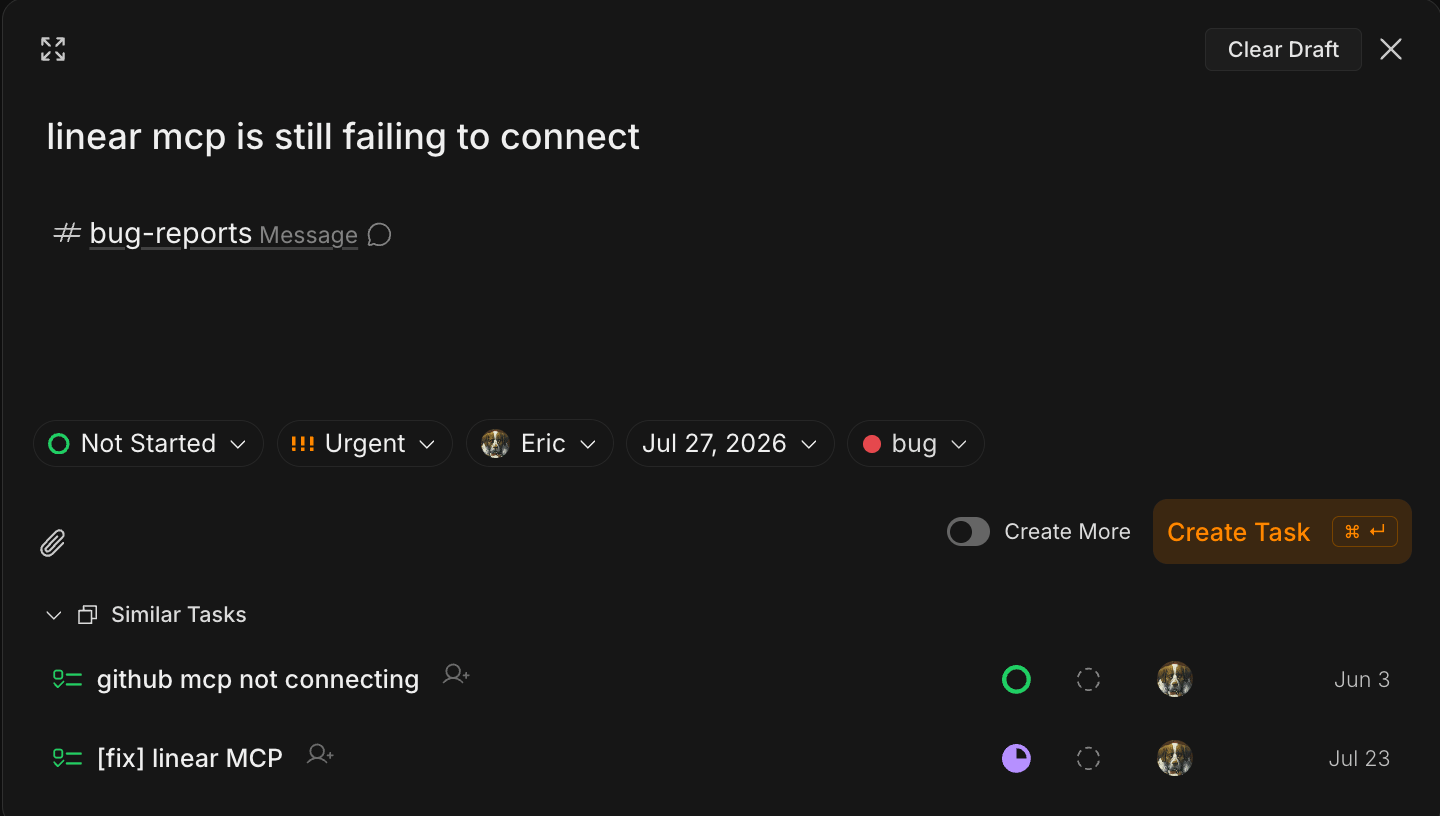
Task Statuses
Because tasks are integrated into the rest of your workspace, there’s no need for extra labels and categories. It’s just status, priority, assignee. Not Started — the task hasn’t been picked up yet
In Progress — someone is actively working on it
In Review — the work is done and awaiting review
Completed — the task is finished
Team level sharing
When you’re on a team, every task you create is automatically shared with its members. There’s no need to post it in a channel or share it individually. Teammates can view and comment on the task, while you (and the assignee) keep full control over its status and properties. Assigning a task to someone sends them an inbox notification as well as @mentioning a teammate in the task’s comments. Sharing follows team membership- Join a team and you’ll see all of its tasks, those assigned to you and to others.
- If you’re removed from the team, you lose access to them.
- If you’re not on a team, your tasks stay private to you.
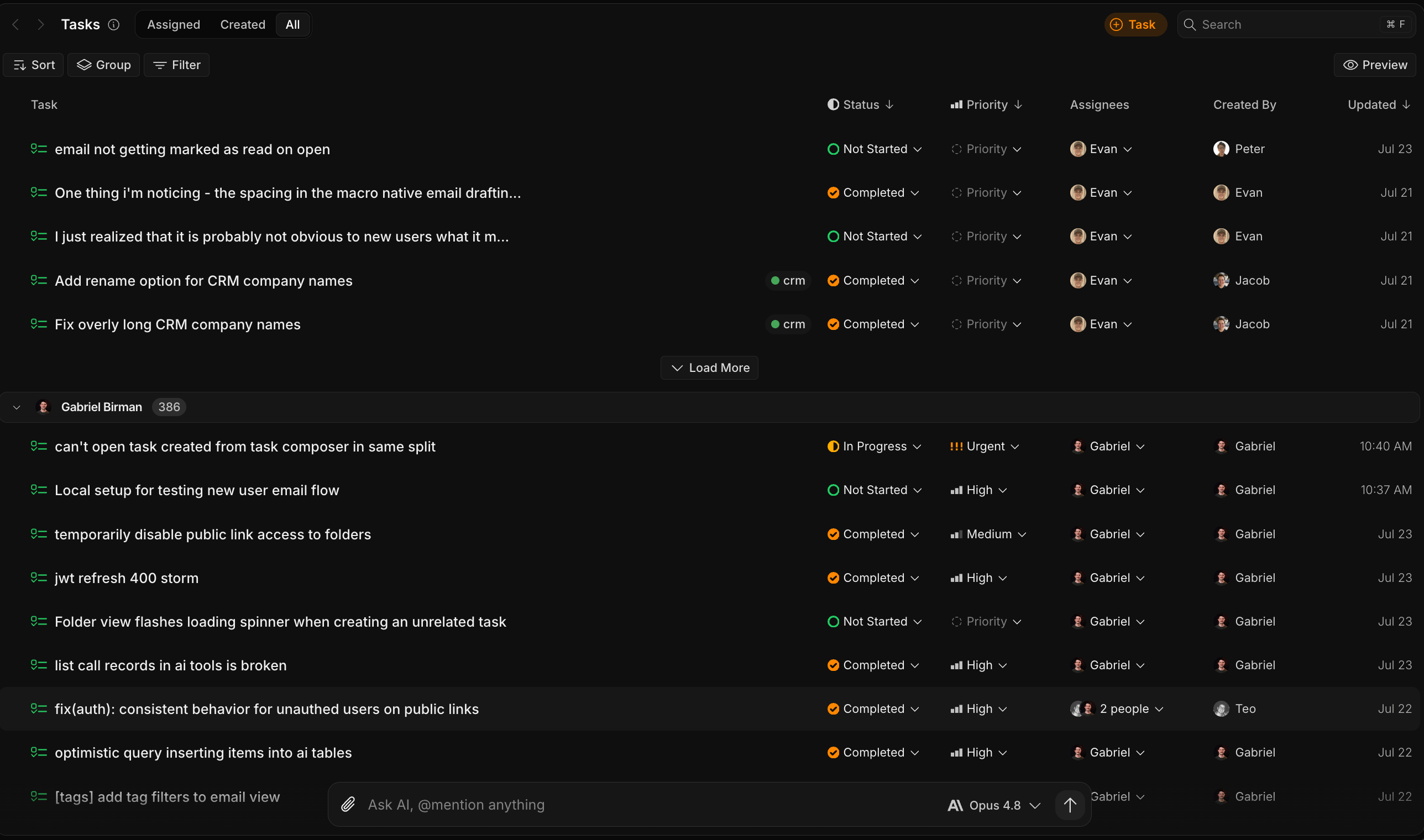
GitHub integration
Macro tasks integrate with GitHub: as you create, review, and merge branches, the task automatically moves to “In Progress,” “In Review,” or “Done,” and the task records which pull request is associated with it. See GitHub integration for setup and details.Connect GitHub to Macro to keep your tasks in sync with the code. Link your GitHub account in Settings → Connections, then hit connect. Once connected, tasks follow your pull requests automatically.
MCP setup
Macro’s MCP server lets AI clients like Claude Code, Codex, and Cursor work with your tasks directly. Connect once by going to Settings → MCP server (authorize with your Macro account — MCP access is included on every plan, Free included). You can use the MCP server to spin up a task, triage your list, or move something to “In Review” without leaving your editor. Any changes made will show up live in Macro. MCP for tasks uses- Create a task
- Find your tasks
- Read a task
- Update a task