To start a new chat use shortcut c + a
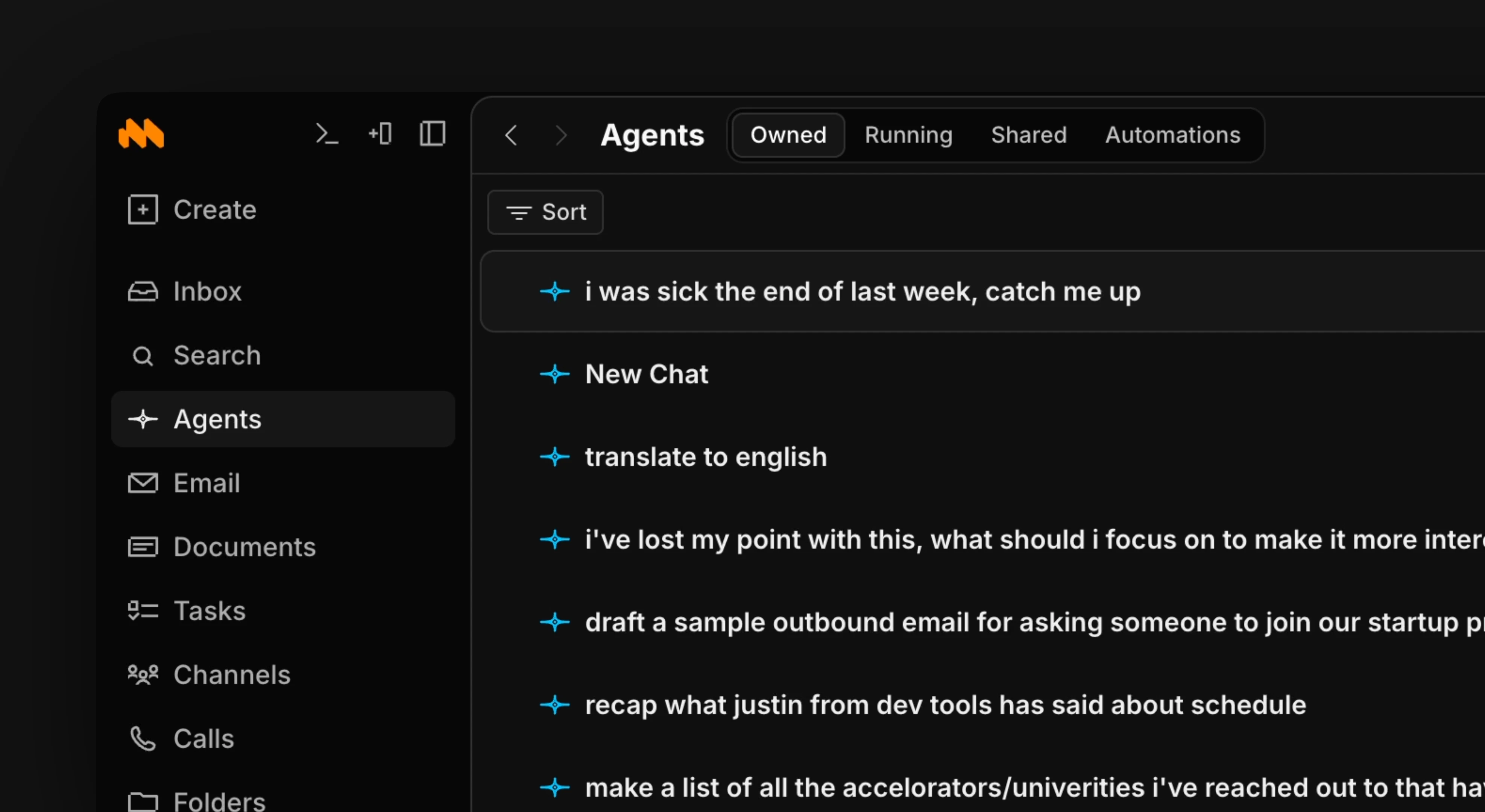
The Agents tab
The Agents module lists every chat you’ve had, named automatically from your first message, and you can pick any of them back up where you left off. Ask for summaries, clarifications, drafts, or a status check. Agents answer using everything in your workspace, not just the current thread.Use shortcut g + a to go to Agents, and j and k to move up and down through chats.
Full workspace context
Agents answer from unified memory, a continuously refreshed view of your email, messages, tasks, docs, calls, and connected tools, not just your chat history. That’s why you can ask a broad question (“what’s the latest on the Acme deal?”) without pointing them at anything. When you want to be exact, @mention a specific channel, doc, task, or thread right in your prompt. That pins the context and skips the search, so agents work from precisely the item you mean. See Mentions in Agents.Agents inherit your permissions: they can only see what you can see, and anything they create or send is attributed to you. Start prompts with “draft, don’t send” until you’re comfortable letting them act.
What agents can do
Agents have a broad tool set and will reach for the right tools on their own. In one conversation they can:- Search & read — find and read across docs, threads, chats, and records
- Write docs — create, edit, and rename documents
- Tasks & CRM — create tasks and set status, priority, assignees, and other properties on tasks and company records
- Email — draft a reply in an editable composer for you to review and send
- Channels — read a channel or thread and post messages back into it
- Calls — read call recordings and transcripts and turn them into tasks or summaries
- Web — search the web and fetch pages when the answer isn’t in your workspace
- Import — pull content in from Notion, Linear, and Slack when you migrate
Agents in channels
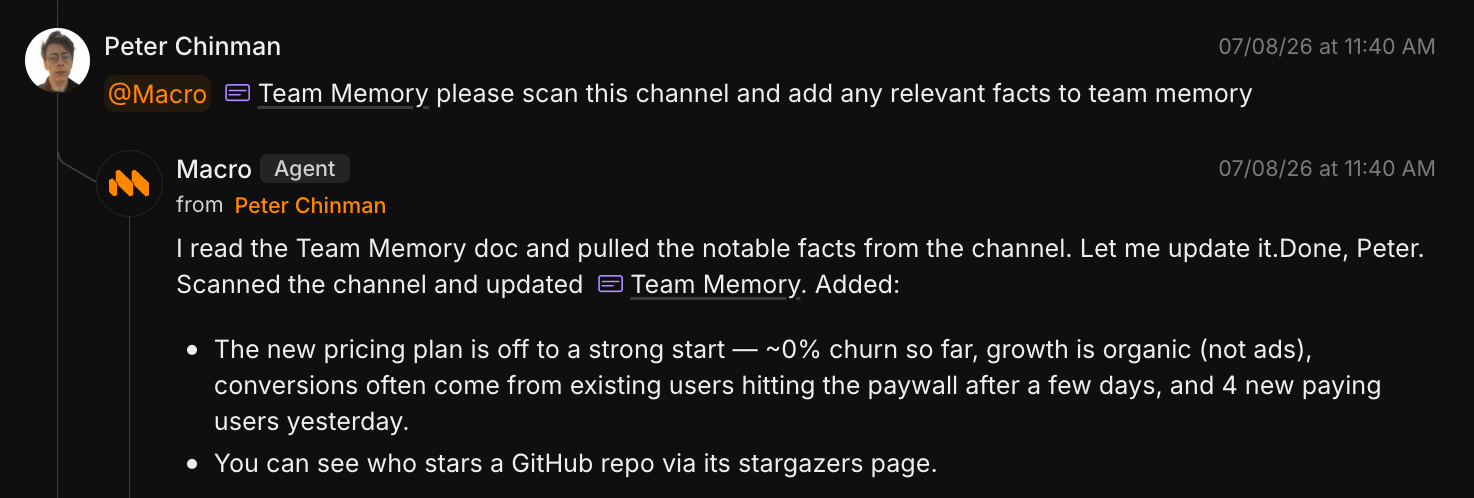
Mention @Macro in any channel to pull agents into the conversation with the whole channel as context. They show up in the normal @-mention typeahead, read the thread, and reply inline. Agents can also post their results back into a channel or a specific thread as part of a longer task.@Macro invokes the built-in agents. They’re separate from custom bots — named integrations you create with their own API tokens and webhooks to post into channels programmatically.
Automations
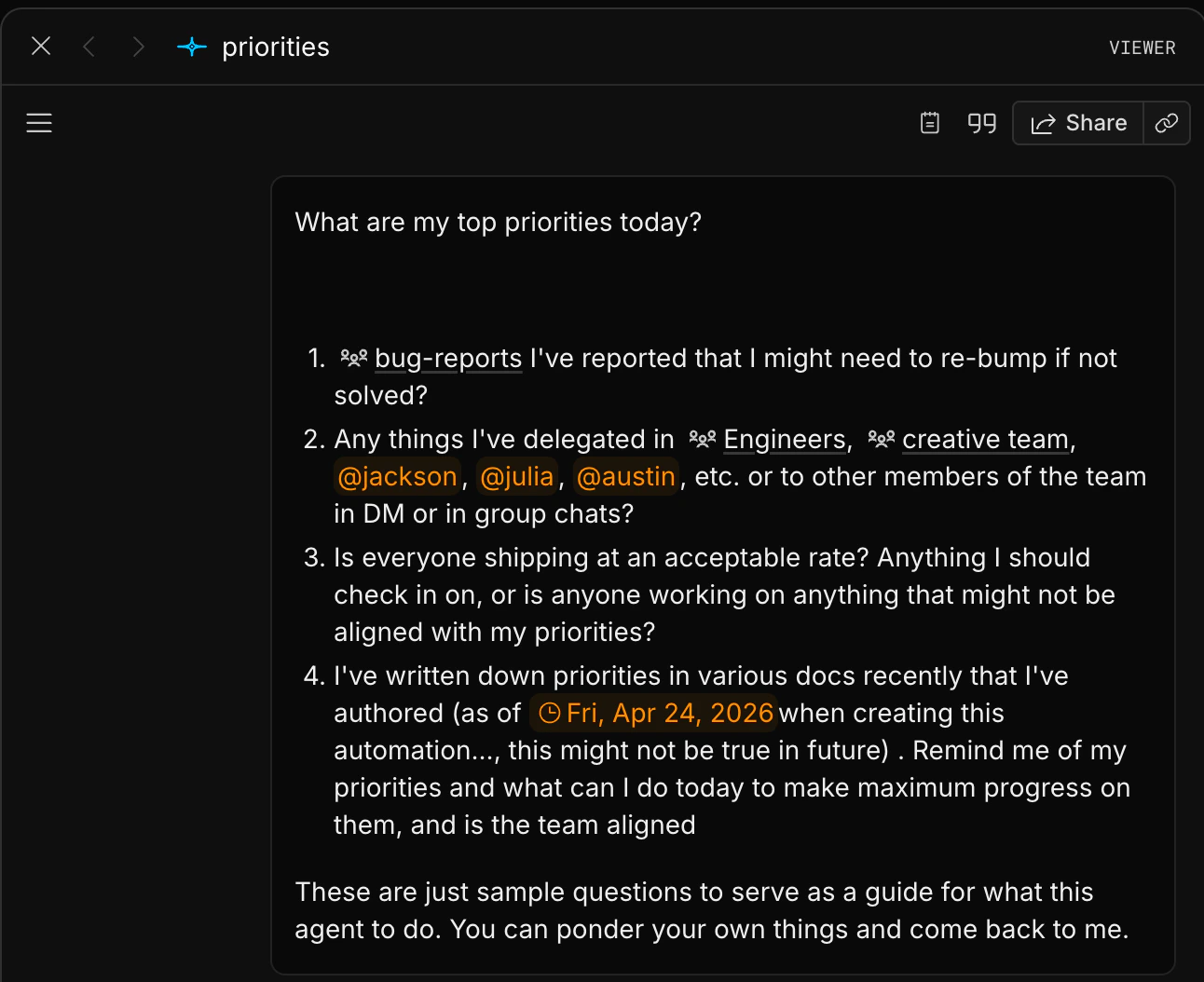
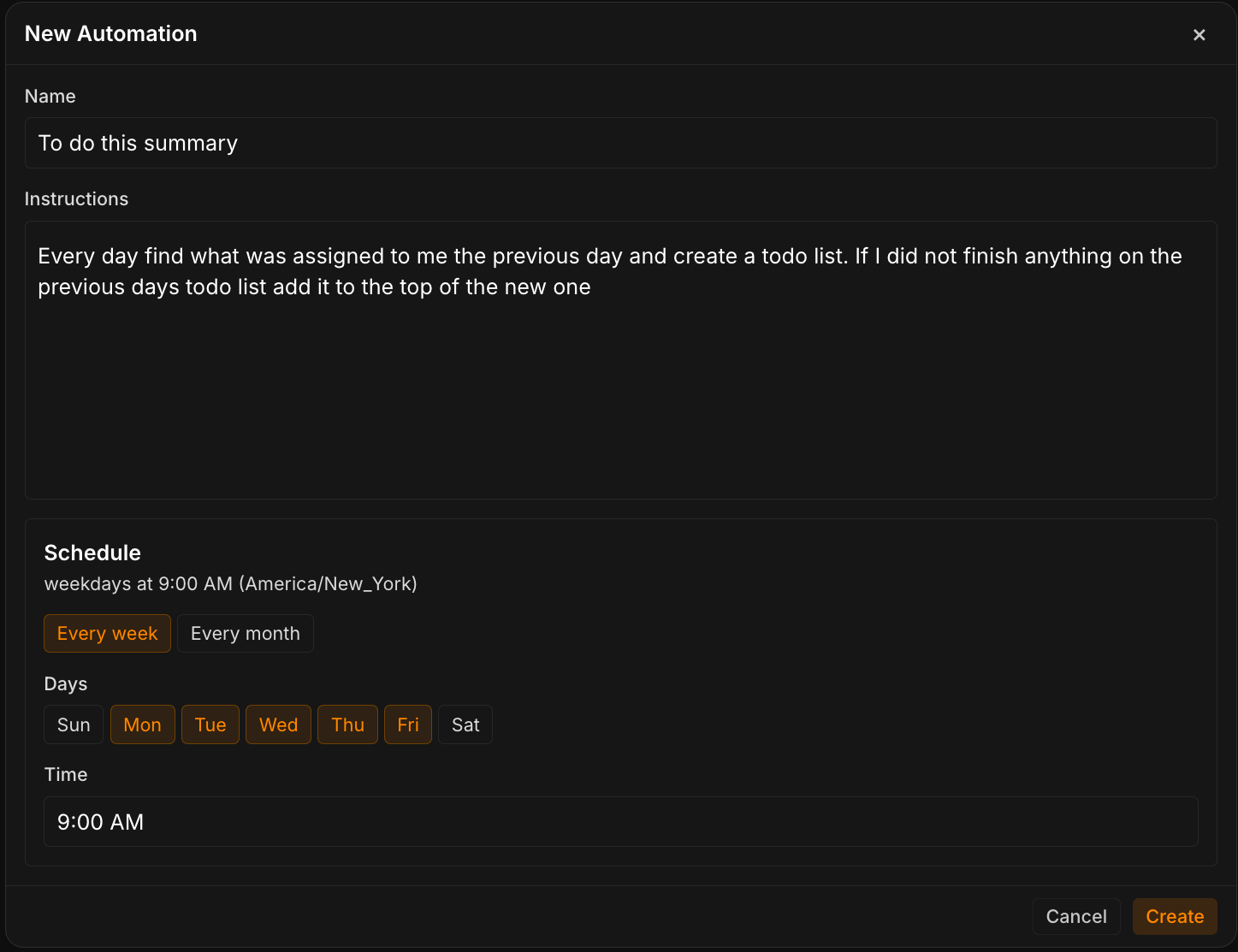
Agents can run on a schedule. An automation is a saved prompt that runs on its own, like a daily inbox brief, a Friday team recap, or a weekly reminder to triage stale tasks. To create an automation- Go to the Agents Block, press Agents in the top right corner, then Automations.
- Fill out the form with your instructions and the schedule.
- Hit Create and wait for your automation to run.
Choosing a model
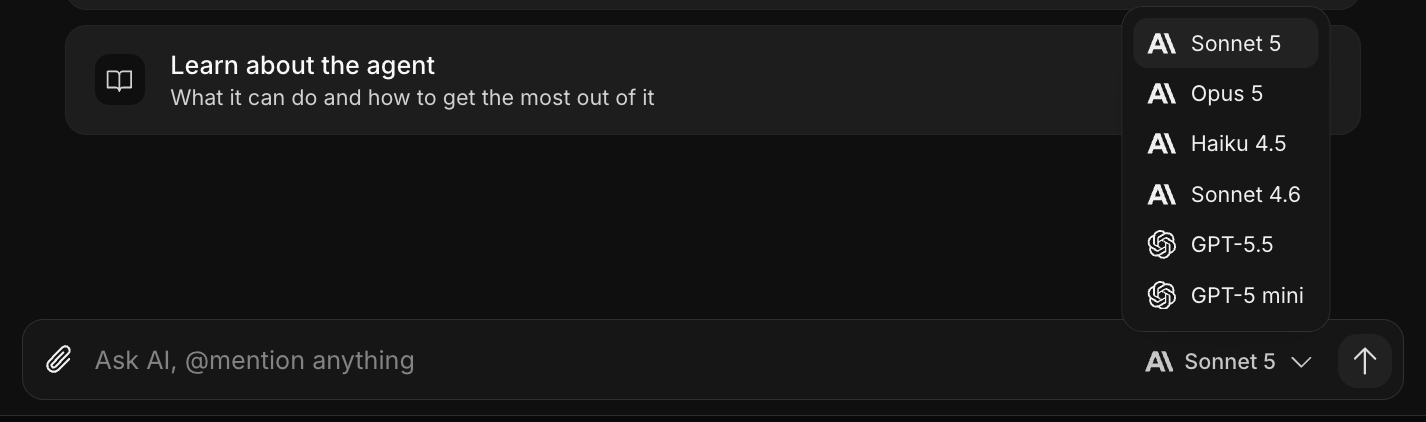
A model picker sits in the chat input. You can choose a model per chat depending on how difficult you deem the question. Your choice is remembered for that chat and carried forward when you start a new one from the composer. With Guest access you can only use Haiku, the fast model. Every paid plan (Premium and Max) unlocks the rest, including Opus 5, Fable 5.1 (Anthropic’s most capable model), and GPT-6 Astra (OpenAI’s). Heavier models draw down your included AI faster, and the picker shows by how much: Opus uses about 2.5×, and Fable and Astra about 5×, what Sonnet does for the same conversation.