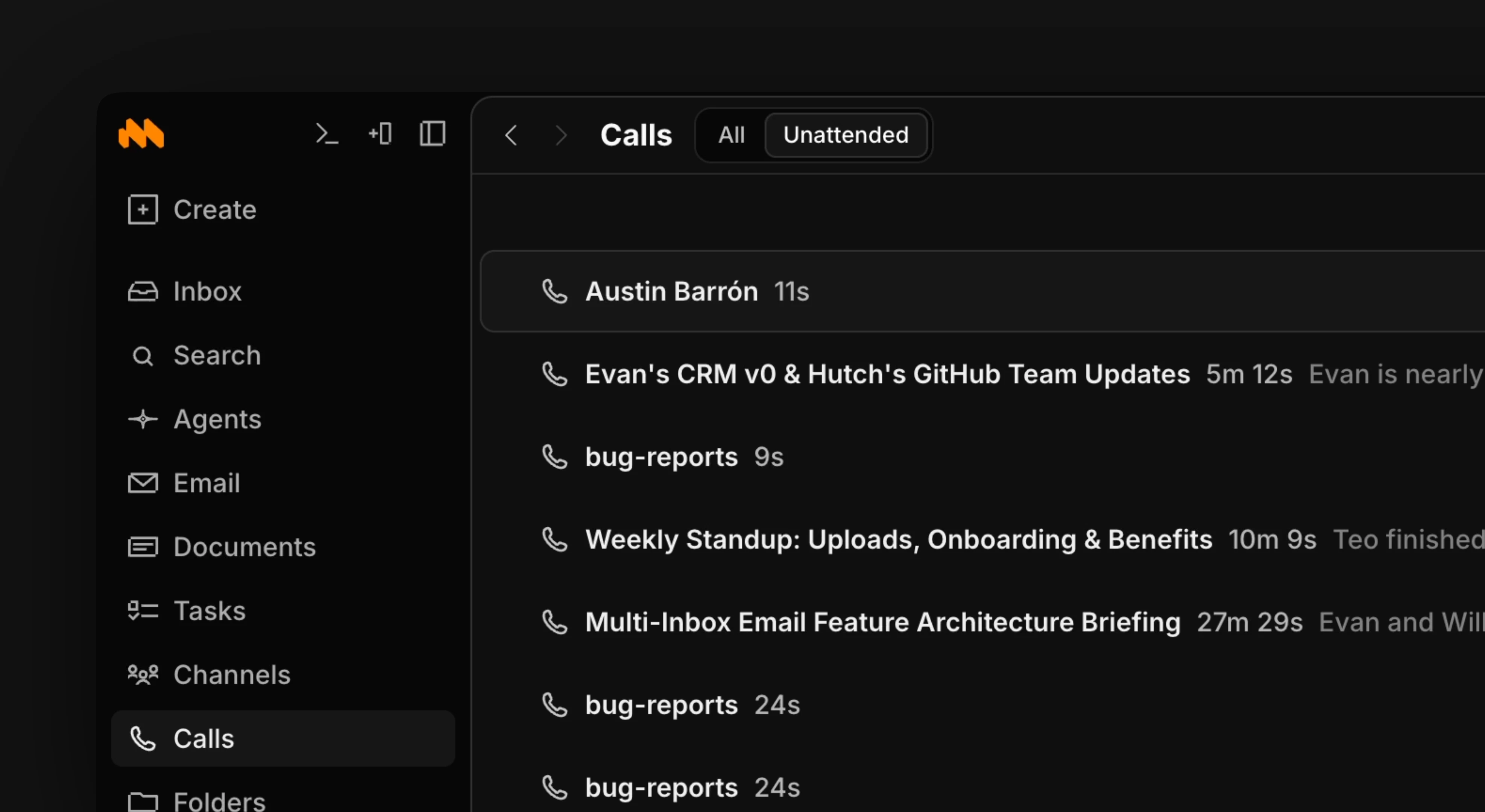
Calls are one of the core ways Macro’s memory keeps up with your workspace.
To start a call, use the button at the top of the calls tab, or open the channel with the intended participants and press the call button. Participants hear a ring when a call starts.
To opt out of a call being shared with the team, uncheck the button in the bottom left of an active call.Important Call Sharing Information
Every call a member of your team has is added to the calls tab, whether or not you attended it. The default is to share each call to team memory, but you can opt out per call. When you opt out, the call is added to your personal memory but not the team’s.