Connecting your calendar
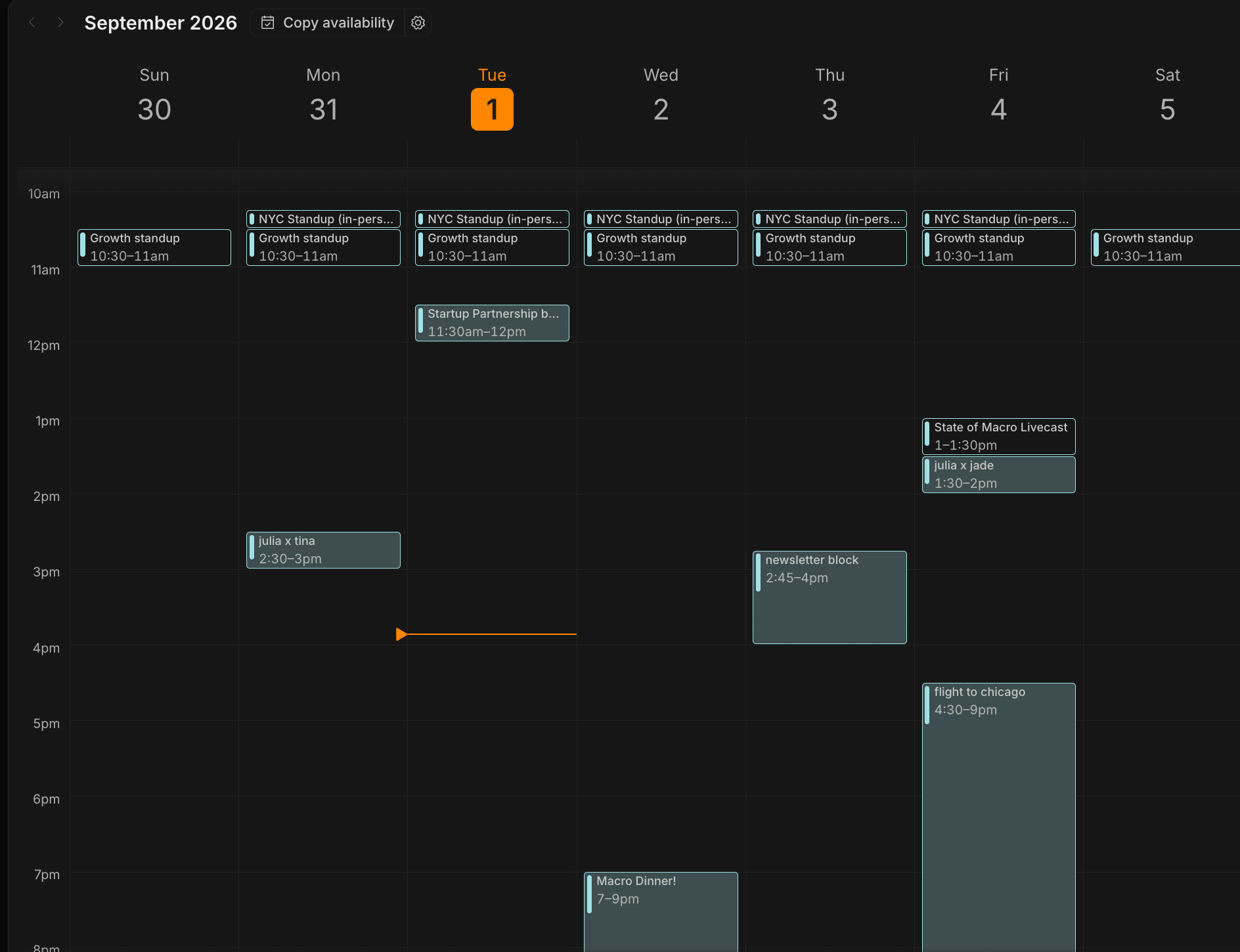
Connect your calendar by going to Settings → Connections, finding the account you want, and clicking Enable calendar. Macro supports multiple email accounts in one inbox and multiple email calendar views. You have to enable calendar for each account separately. Every linked inbox in Settings → Connections carries its own Enable calendar button. Use the settings gear in the calendar topbar to toggle each calendar on or off, so you can view several at once or focus on just one.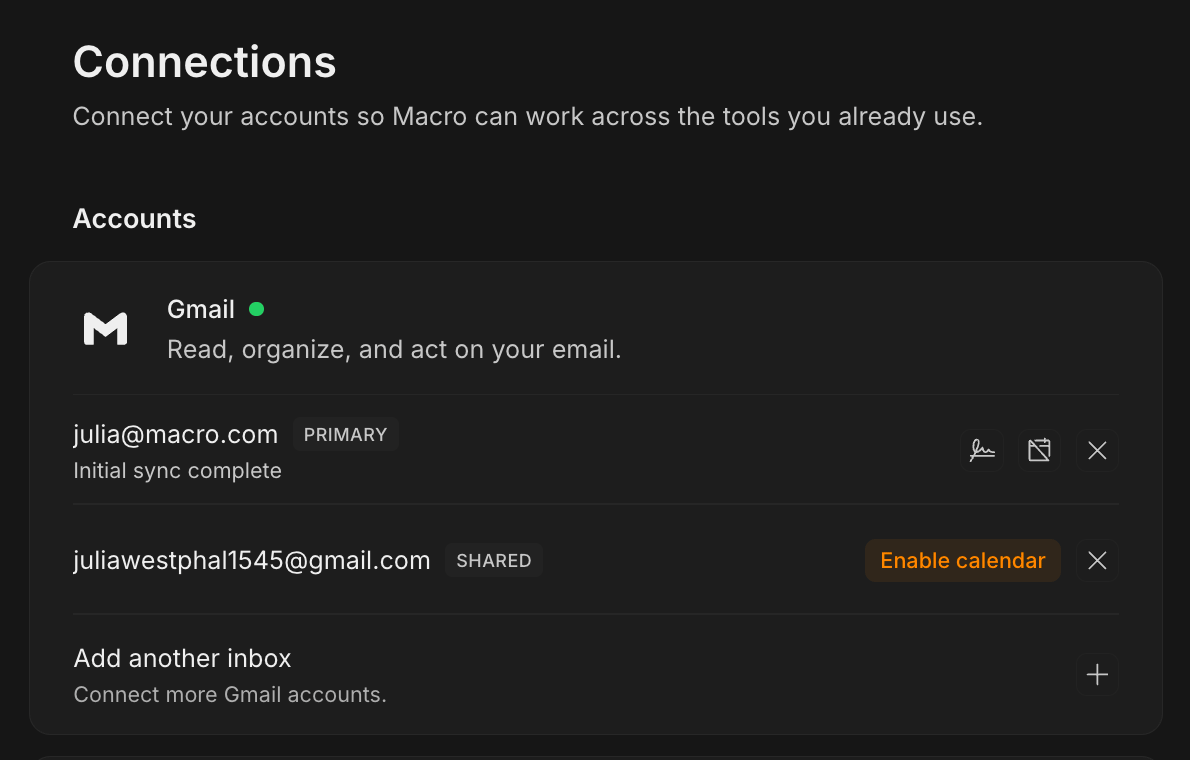
Creating and editing events
Click an empty slot on the grid to start an event there, or drag across a range to set its length as you create it. The event highlight takes the color of the calendar you’re saving to. Switch calendars under the selections and the event color will switch to match. This way it’s clear which calendar a new event is being added to. You edit details inline on the event itself. Type the title and description directly, and click any other pill to open a small editor in place: Calendar — which calendar the event is saved to
Repeat — the recurrence schedule, with a plain-English summary of what you’ve set
Guests — who’s invited, and who’s optional
Conferencing — attach or remove a Google Meet link
Location — where it’s happening
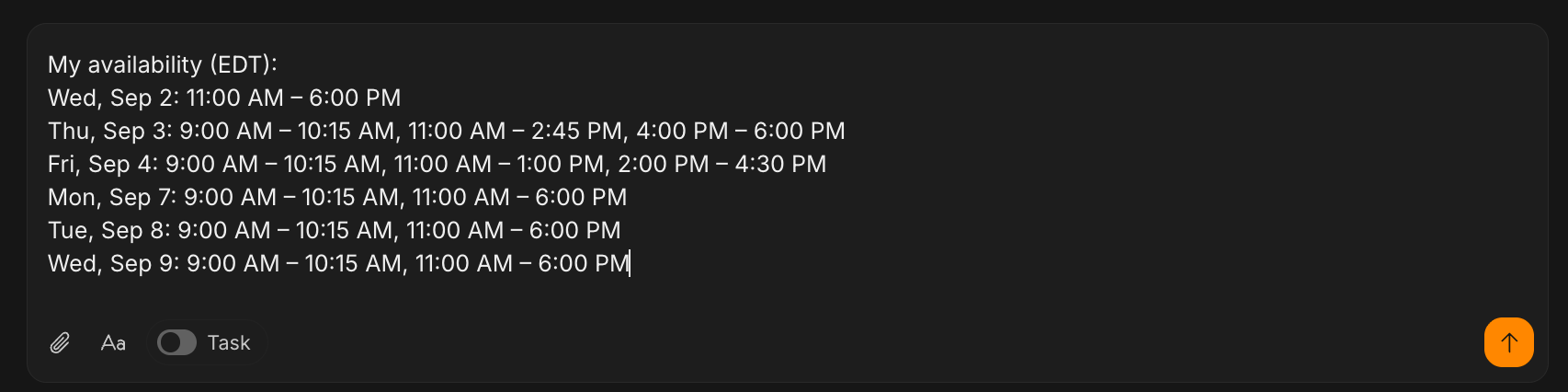
Copy availability