

To create a canvas use shortcut c + n
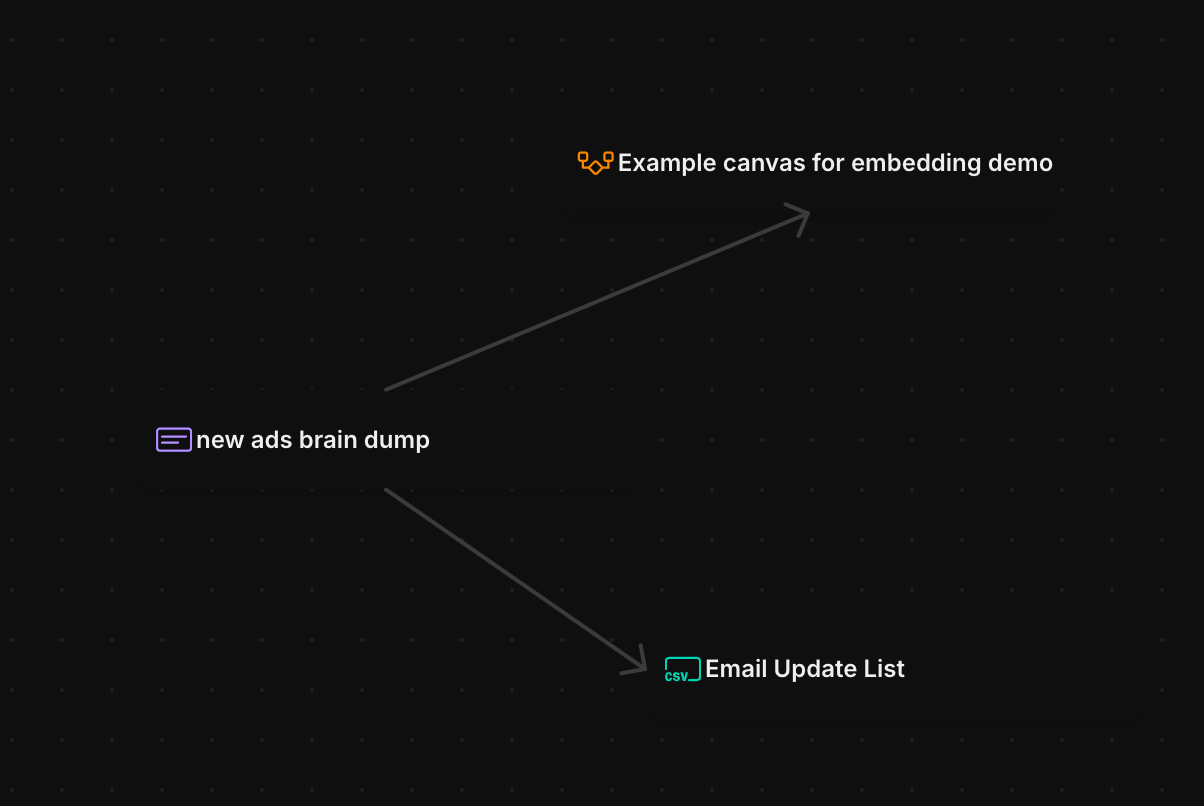
What you can put on a canvas
- Blocks from your workspace: @mention any doc, task, email, channel, call, or chat. Mentions render as live pills that carry current metadata, like a task’s status and priority.
- Shapes and text: rectangles, ellipses, and styled text, with configurable fill, stroke, corner radius, and opacity.
- Connectors: straight, curved, or stepped lines between objects, with arrowheads and other end styles on either end.
- Freehand drawing: sketch with the pencil tool.
- Images: paste, drag in, or pick from your files.