

md (documents), email, channel, chat and agent (agents), routine, skill, snippet, task, initiative (projects), project (folders), spreadsheet, contact (customers), company (customers), call, canvas, code, image, video, pdf, and unknown (fallback).
Splits
On desktop (not on mobile), Macro has its own window manager that lets you multi-task in your browser in one tab. By default when you open Macro you have one split. In general, you can use shift+click to open an @mention or list item in a new split. Each split maintains its own history. Use opt [ or opt ] to move back and forward. Press shift+escape to focus a split: it floats above the others until you press the shortcut again. Create a split with \ or the split icon in the top right, focus left/right with shift+h / shift+l, maximize with shift+escape, close with cmd+escape.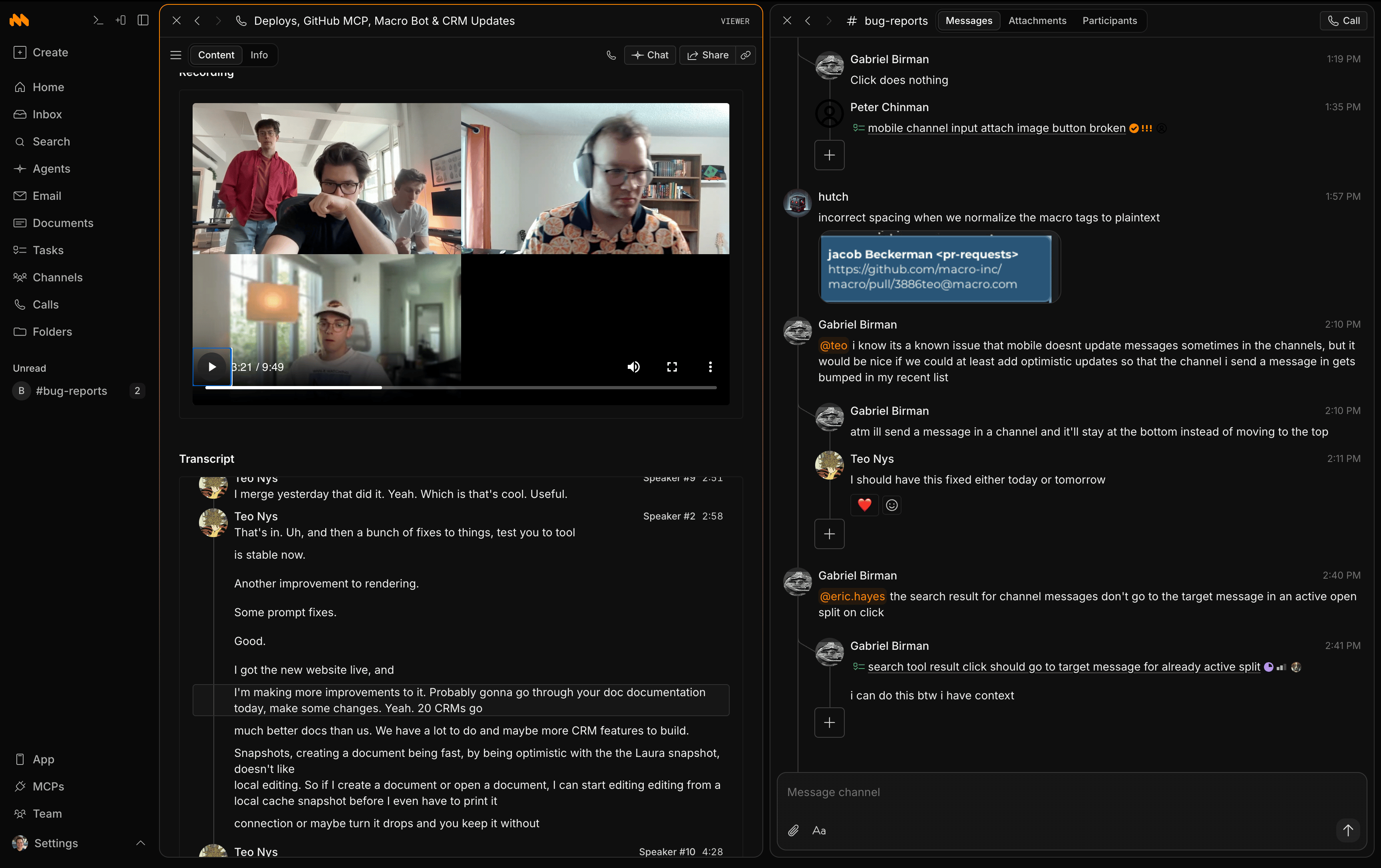
Previews
Most block types have on-hover previews to provide context without needing to click. When you @mention a block in any markdown area (a task, doc, channel, etc.), anyone who hovers over the mention sees the preview. For example, here is a task preview: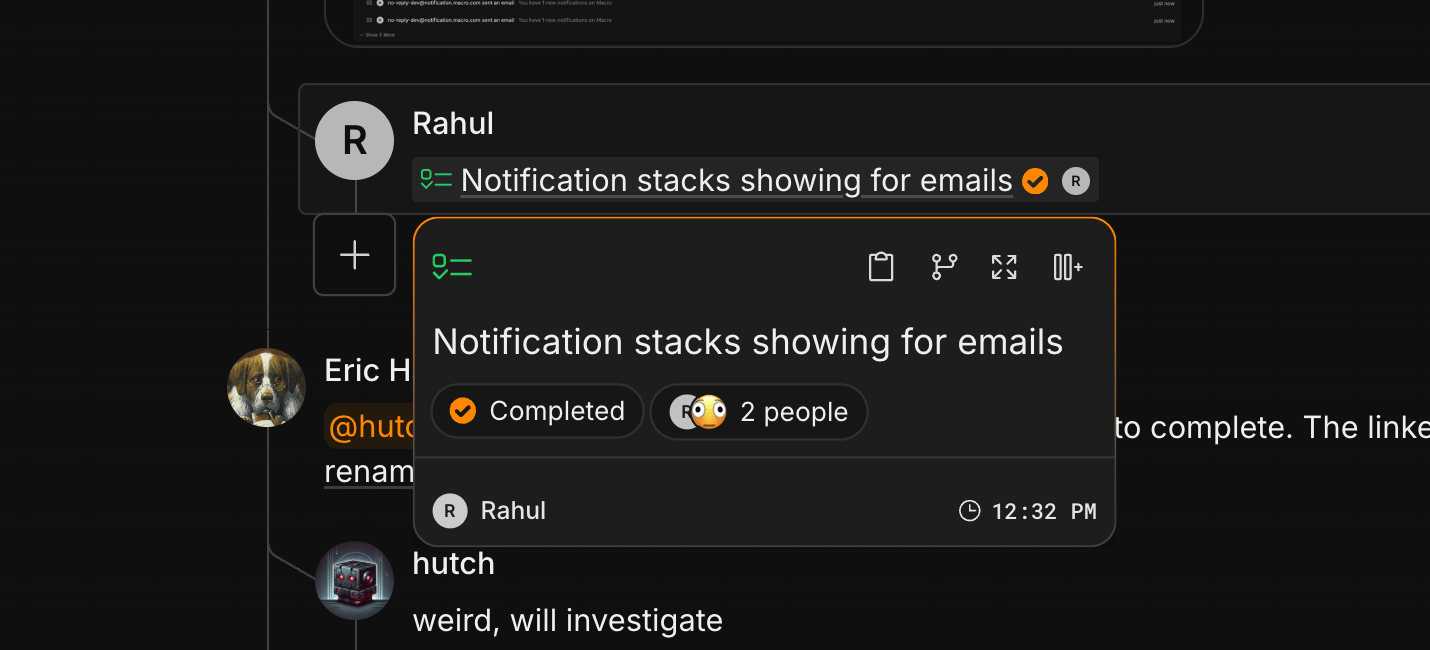
Embeds
Most blocks embed read-only in a markdown doc, with editing and markup tools disabled. Note that permissions are not auto-granted for embeds or mentions in documents, unlike mentions in channels, where channel members get access automatically. You’ll have to also share the files you embed.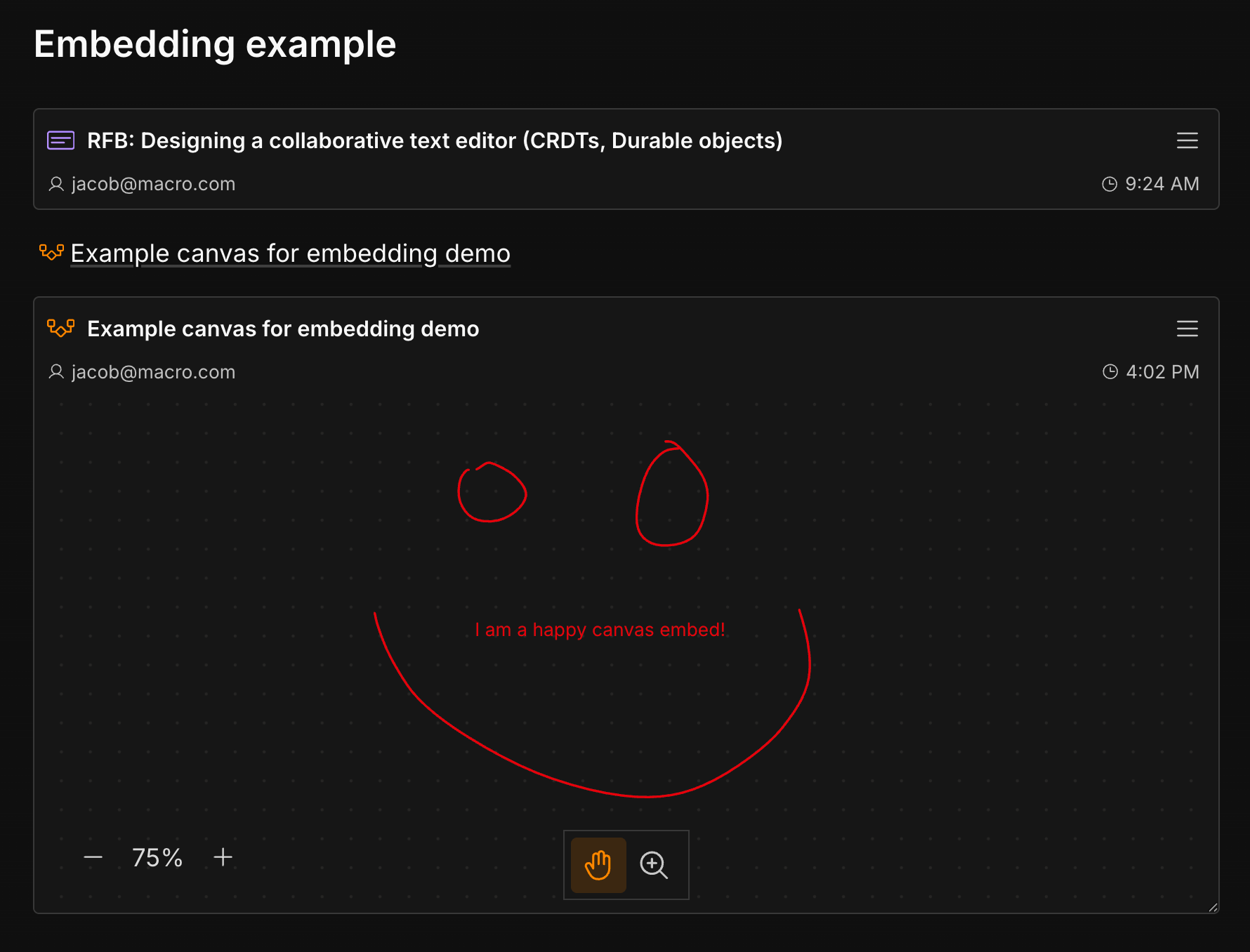
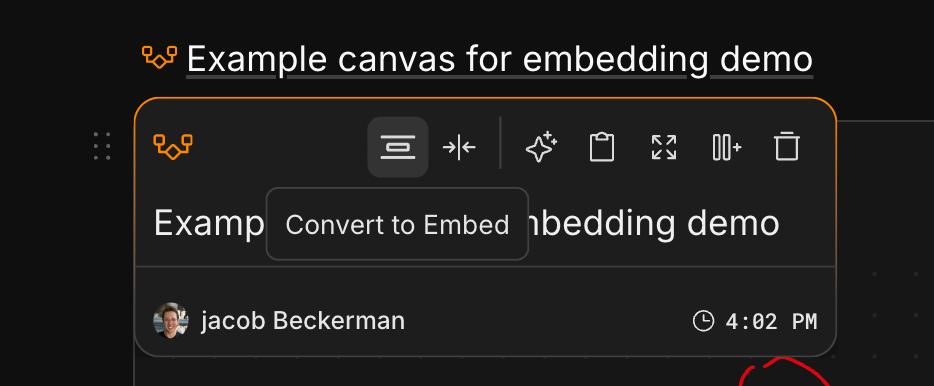
@ or dragging and dropping, then hover and click Convert to embed.
More about blocks
- References, sharing & permissions: every block has a References panel (backlinks to everywhere it’s mentioned or embedded) and the same share dialog, with owner / editor / commenter / viewer access levels plus public links for documents.
- Real-time collaboration: collaborative blocks (docs, pdf markup) sync through Loro CRDTs over a Cloudflare Durable Objects backend: the Rust
sync-servicespins up one Durable Object “room” per document, and clients connect over WebSocket to/document/:id. This is what gives you multiplayer editing, presence cursors, and full offline support. - Search & Home: one unified Search index covers every block type, filterable by type and by mentioned person. Home pulls open notifications from across blocks into a single recency-sorted feed.