

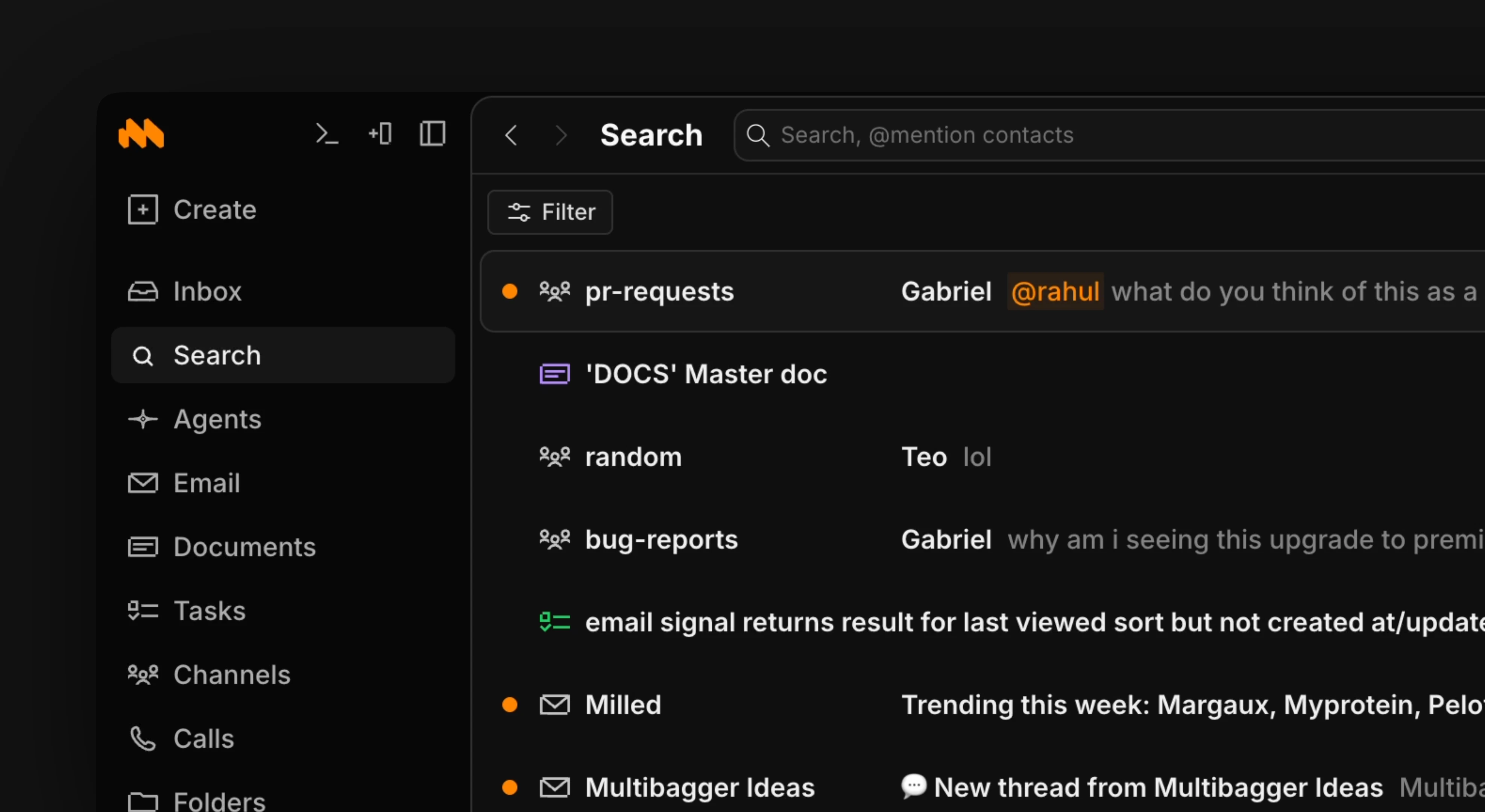
Use the / shortcut to open up search or the cmd+k menu to search by name.Use the filter button in the upper right corner to sort results into different types (agent results, messages, etc). To see a result preview in search, use l to expand and h to close.
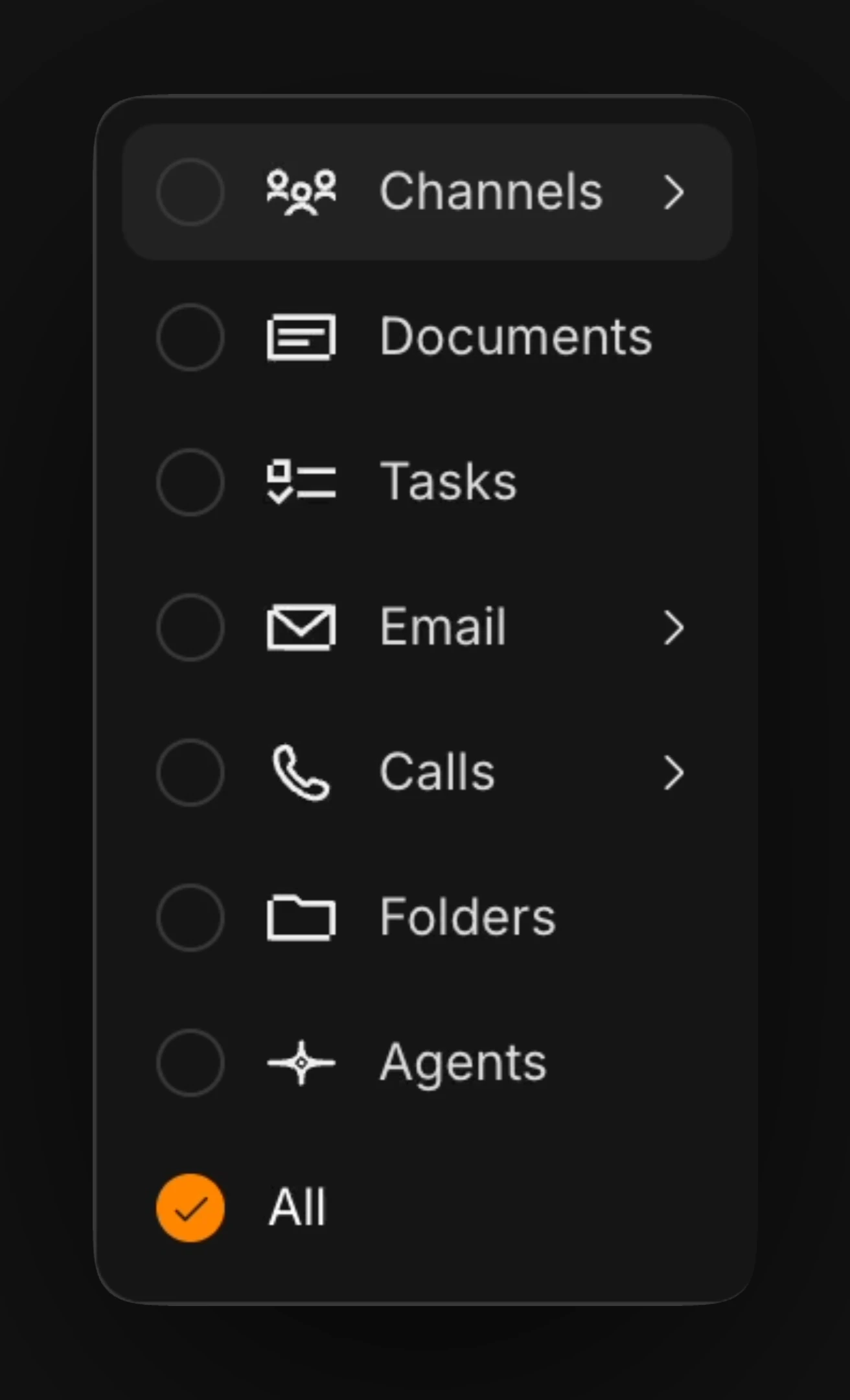
Filtering by tags
Open the filter menu and select the Tags chip to narrow results to items carrying specific tags. Once you’ve selected two or more tags, a match-mode toggle appears on the chip:- Any — return items that have any of the selected tags. This is the default.
- All — return items that have every selected tag.
urgent and finance), and Any to cast a wider net across related tags.