Macro integrates with GitHub so your tasks stay in sync with the code that closes them. To connect, link your GitHub account in Settings under Account.

Tasks that track your PRs

Create a branch for a task and Macro keeps the task’s status up to date automatically: In Progress when you create the branch, In Review when you open the pull request, and Done when it merges.
With a task selected, press shift+cmd+b to copy a branch name for it.
The linked pull request appears directly on the task with its title, PR number, and diff size, so anyone looking at the task can jump straight to the code:
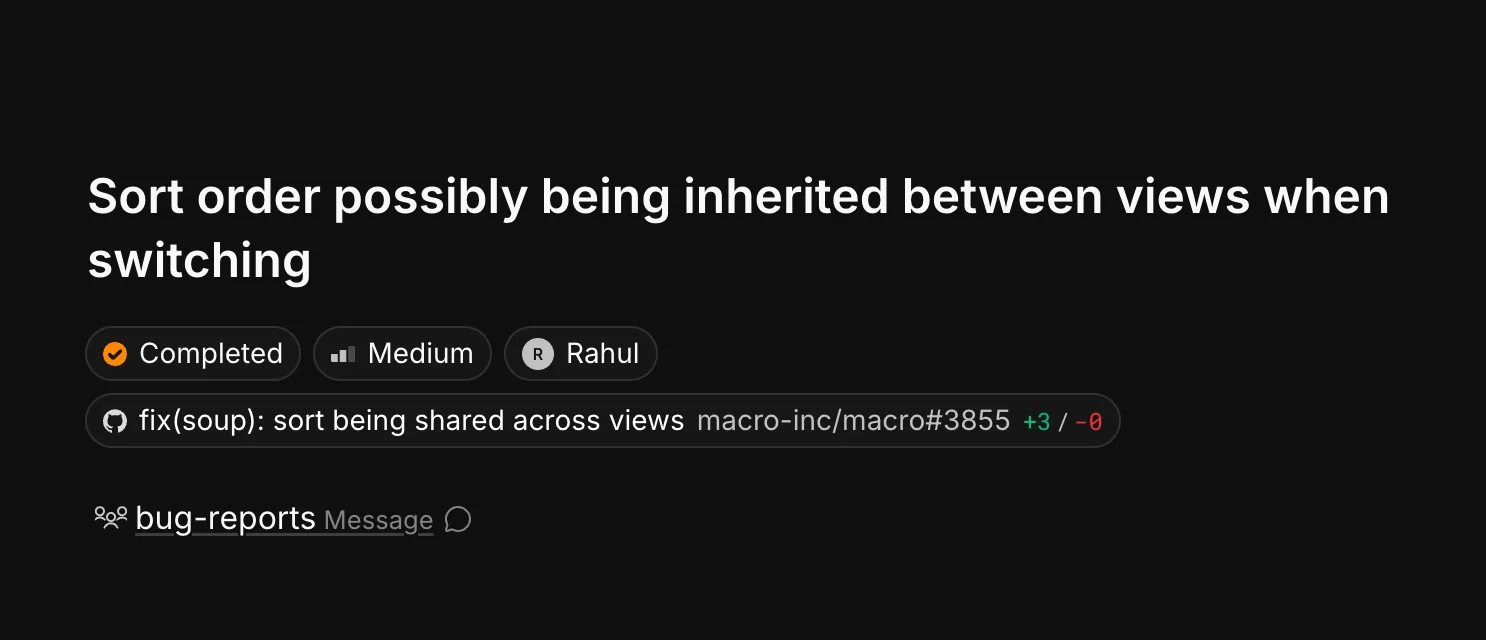
A completed task showing its linked GitHub pull request with diff stats
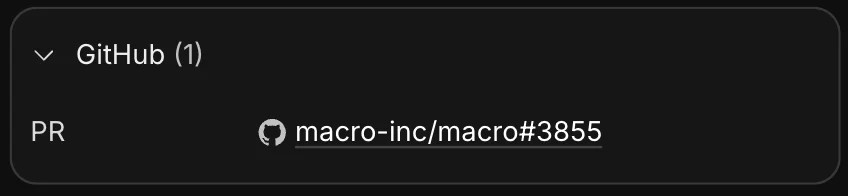
Every linked PR is also listed in the GitHub section of the task’s properties panel:
The GitHub section of a task's properties panel listing a linked pull request
Pull requests are blocks like everything else in Macro: you can @mention them in channels and docs, and agents can read them for context. See Tasks for more on how tasks work.