

Email is one of Macro’s core blocks, which is why we recommend linking your account at signup. In Macro you can triage your email normally while also using our Signal/Noise filtering and an agent to draft and send emails.
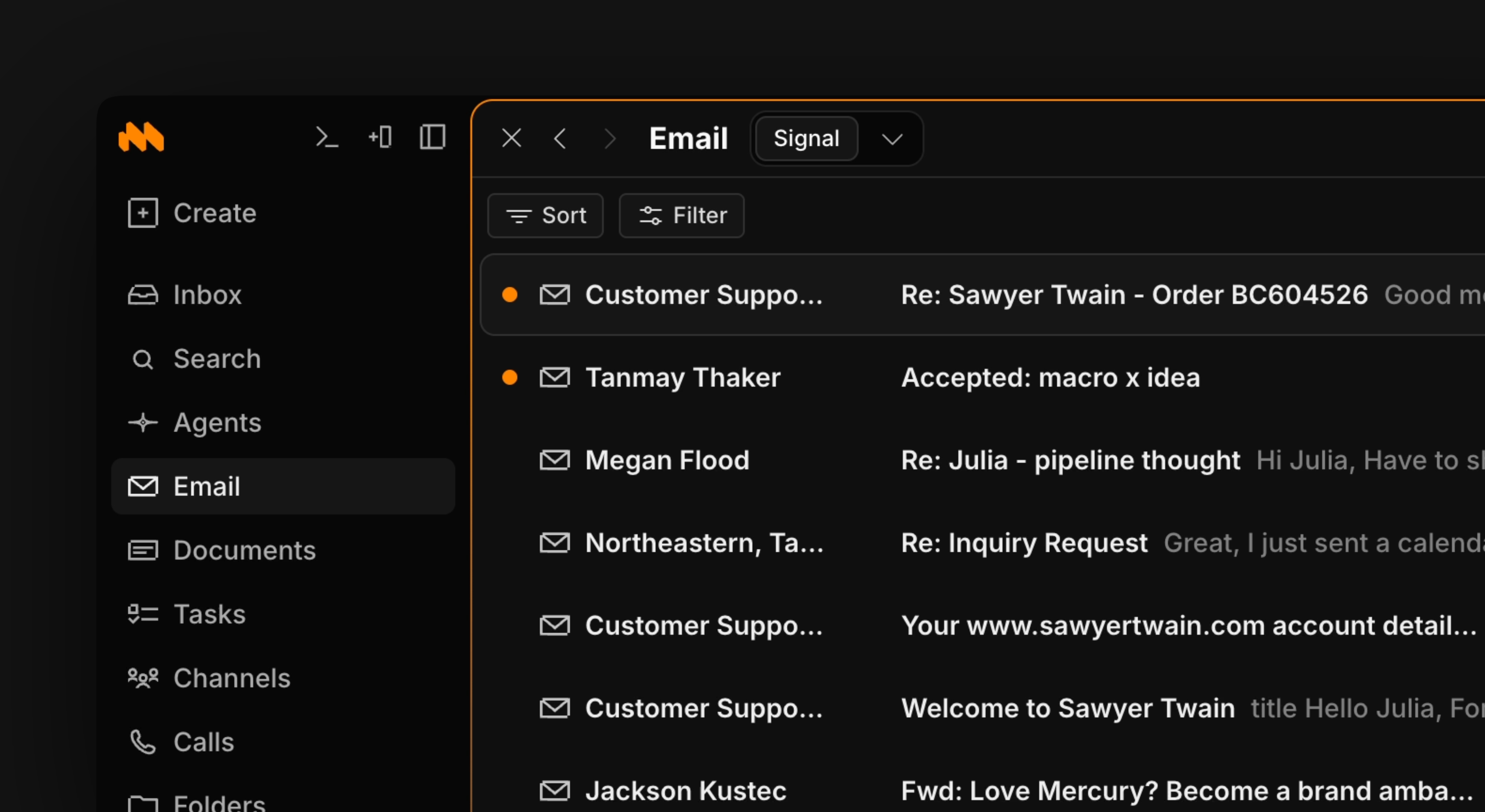
To draft a new email use shortcut c + e
Use j and k to move up and down through your emails. To archive an email and remove it from your inbox, press e.
Multi-account inbox
Macro supports multiple email accounts in a single inbox. Instead of switching between a work tab and a personal tab, all of your accounts flow into one list that you triage in one pass, with the same keyboard shortcuts and Signal/Noise filtering applied across all of them. To connect another account, go to Settings and add the Gmail or Google Workspace account. When you draft an email, you choose which connected address it sends from.Signal vs Noise
Macro splits email into Signal and Noise tabs. Signal is where your high-priority emails go, like team member updates and customer feedback. Noise is for emails that aren’t crucial to your workflow, such as newsletters and promotions. To count as Signal in Email, threads have to clear a higher bar than in the Macro inbox: they must be important and not shared with you by someone else. Routine or shared emails won’t be there. You can change senders from signal to noise or vice versa at any time by right-clicking on an email thread.Sharing
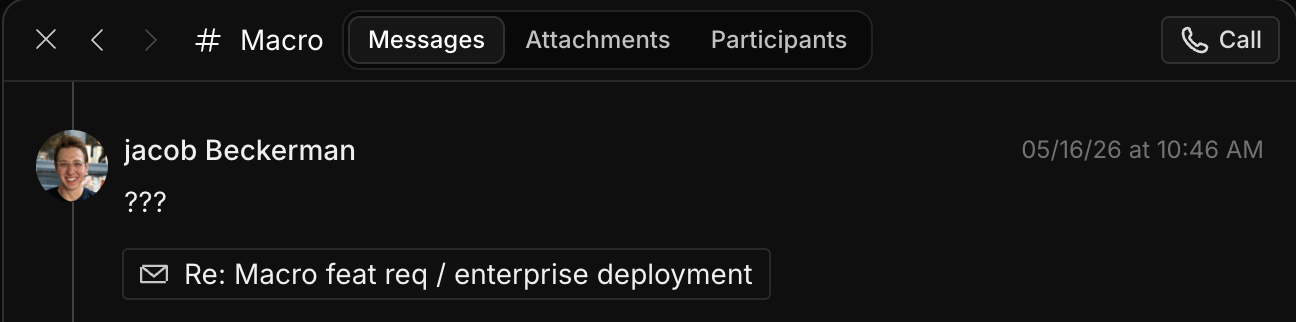
Mentioning
There are several ways to share in an email.- If you @mention someone in an email, they get added as a recipient.
- If you @mention a document in an email, it gets inserted as a URL link to Macro. The document’s permissions also get updated so that anyone with the link can view it.