

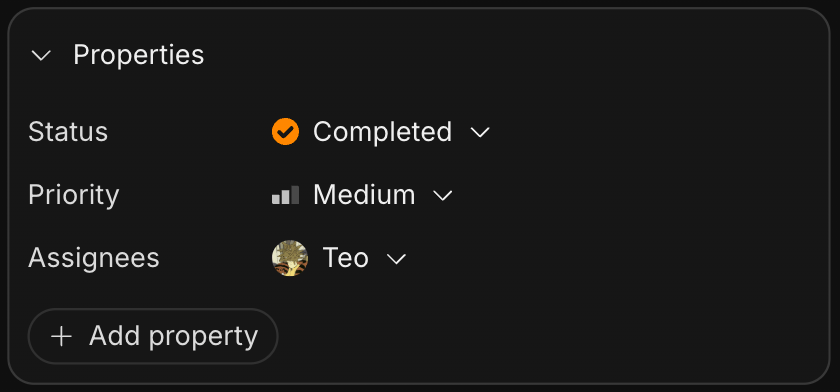
Add property.
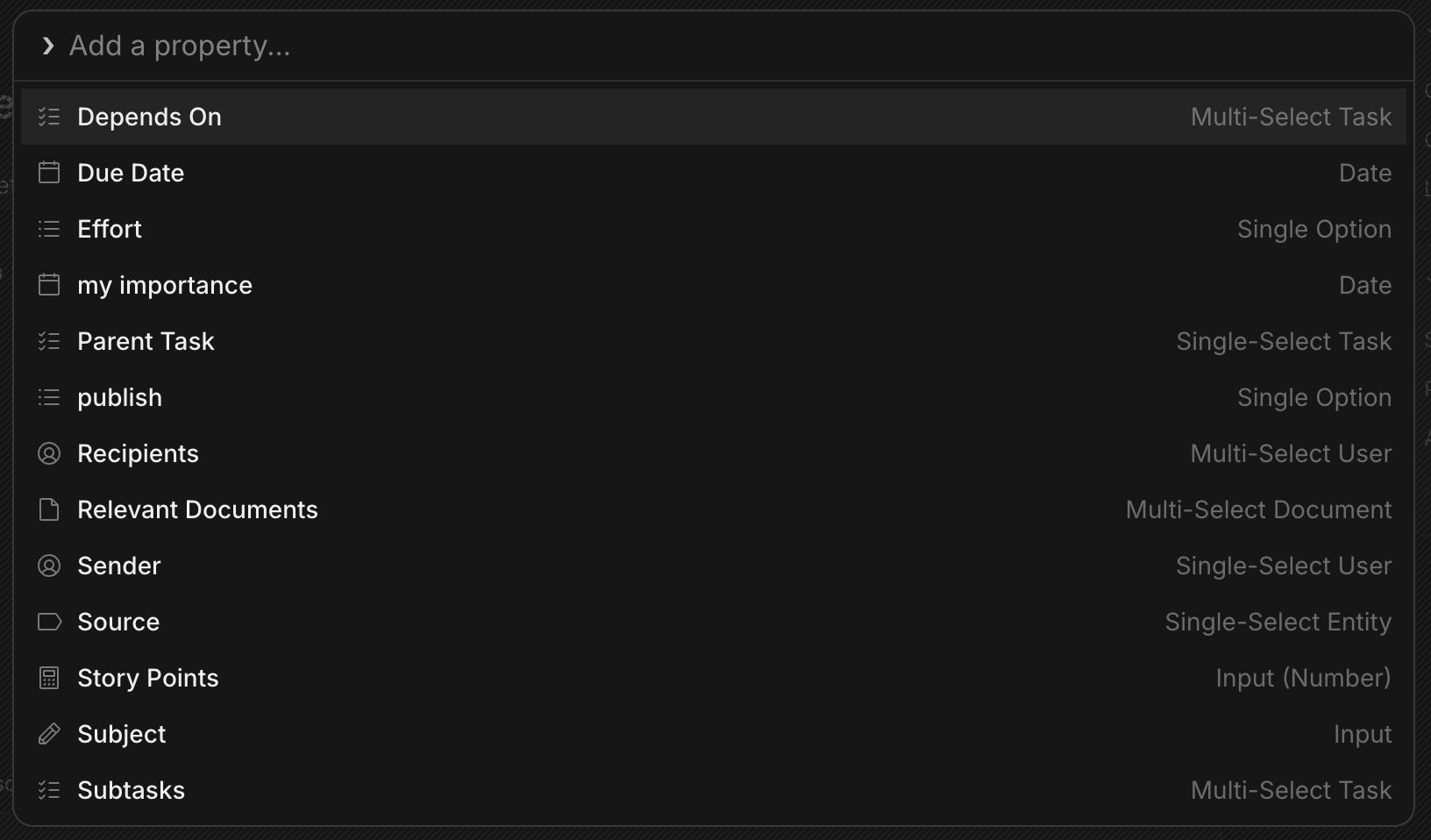
Supported types
Every entity that supports properties supports the same data types:- STRING (text): phone, job title, department, notes.
- NUMBER: revenue, employee count, ARR.
- BOOLEAN: toggles.
- DATE: last contacted, contract/renewal date.
- SELECT_STRING: single/multi-select with string options (custom option colors/icons).
- SELECT_NUMBER: single/multi-select with numeric options.
- ENTITY: a reference to another entity (User, Company, Contact, Document, Project, Channel, Chat, Task, Thread).
- LINK: URLs (website, LinkedIn, etc.).
System vs. custom
A property is either system (built in and non-removable, like a task’s Status) or custom (something you add). Properties can also be flagged as metadata, which keeps them out of the main views. There are three editors: inline (click-to-edit in a list or pill), popover (a focused dialog), and modal (batch editing across several fields).Pinned properties
You can pin properties to show them in the card on the right, or in the unified list. If a property is more like hidden metadata that you don’t need to see, leave it hidden. Otherwise, pin it. Each block type has its own defaults. For example, tasks pin Status, Priority, and Assignees out of the box.Built-in fields by block
Some blocks ship with their own system properties:- Tasks: Status, Priority, Assignees, Due Date, Parent Task / Subtasks, Depends On, Effort, Story Points, and Relevant Documents. See Tasks.
- Documents: Owner, Folder, Created and Updated timestamps, plus assignable fields like a linked Task and urgency. See Documents.
- CRM companies (Customers): Stage (Lead, Qualified, Demo, Trial, Negotiation, Customer, Churned), Owner (a person on your team), and Revenue, plus a Last Interaction timestamp that updates automatically from synced workspace emails.
- CRM contacts & companies: Email, Name, Company, interaction timestamps, Domains, Email Sync, and more.
Agent access
Agents read and write properties through the MCP entity tools:GetEntityProperties to read, SetEntityProperty to update (status, assignee, dates, custom fields), and ListEntities to browse. See the tool reference.