

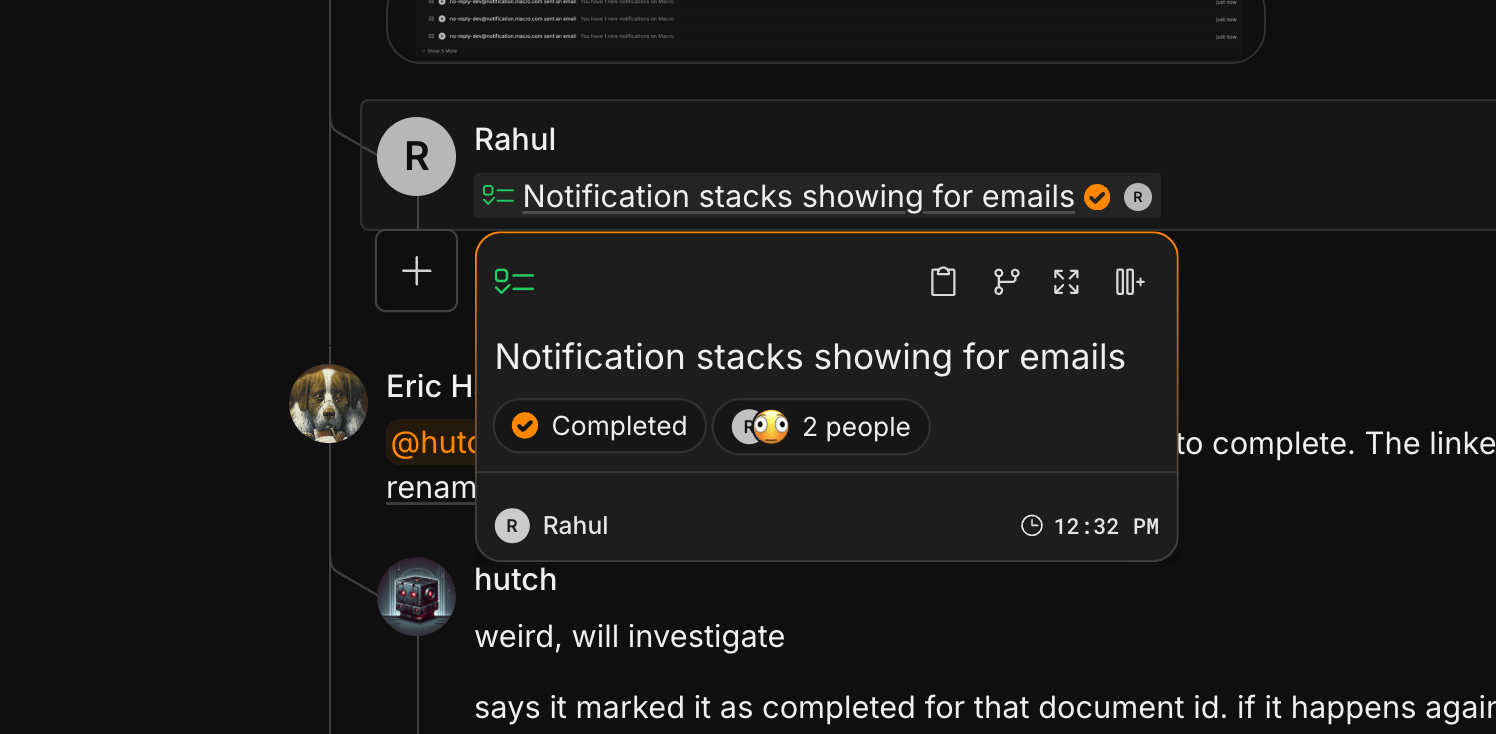
@ in any rich-text surface (a document, an email body, a channel message, a chat or automation prompt, or a task description) opens an autocomplete that lets you reference something else in Macro. Whatever you pick renders as a live inline pill that carries its target’s current metadata (a task mention shows the task’s status and priority, for instance), and the reference is recorded as a backlink in the target’s References panel.
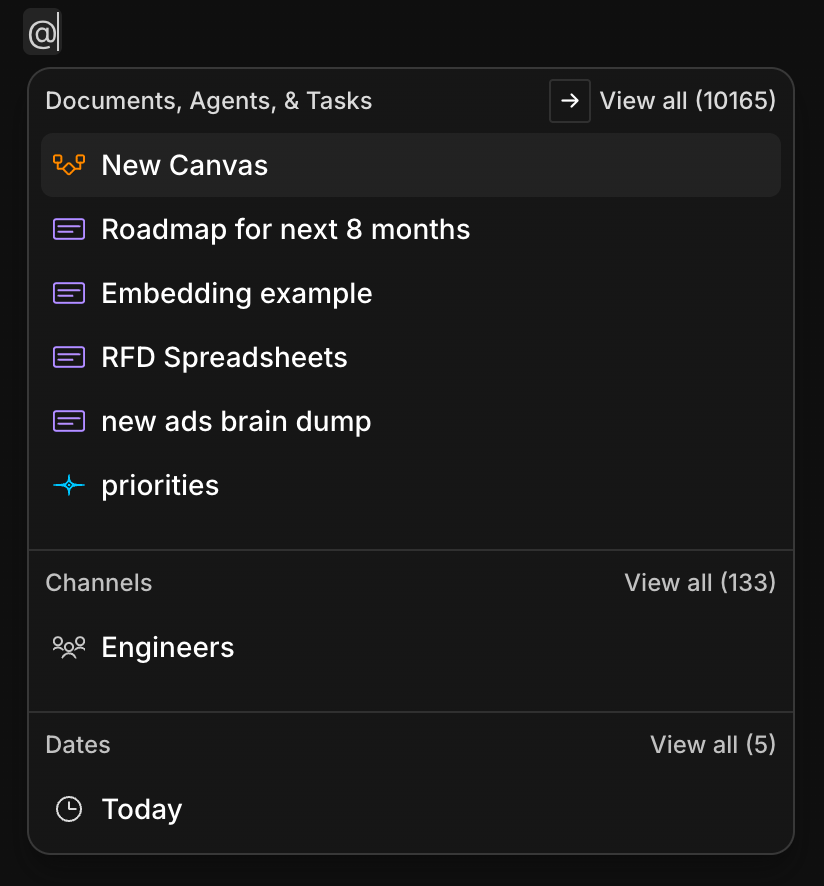
Mentions in Agents
Mentioning entities to AI agents inserts a pointer so the AI can read the docs. In the case of markdown docs, the agent can also read images embedded in the doc. Your agents inherit the permissions you have. If you try and give an agent a doc/entity that you don’t have access to, your agents won’t have access either, and your agent will tell you as much.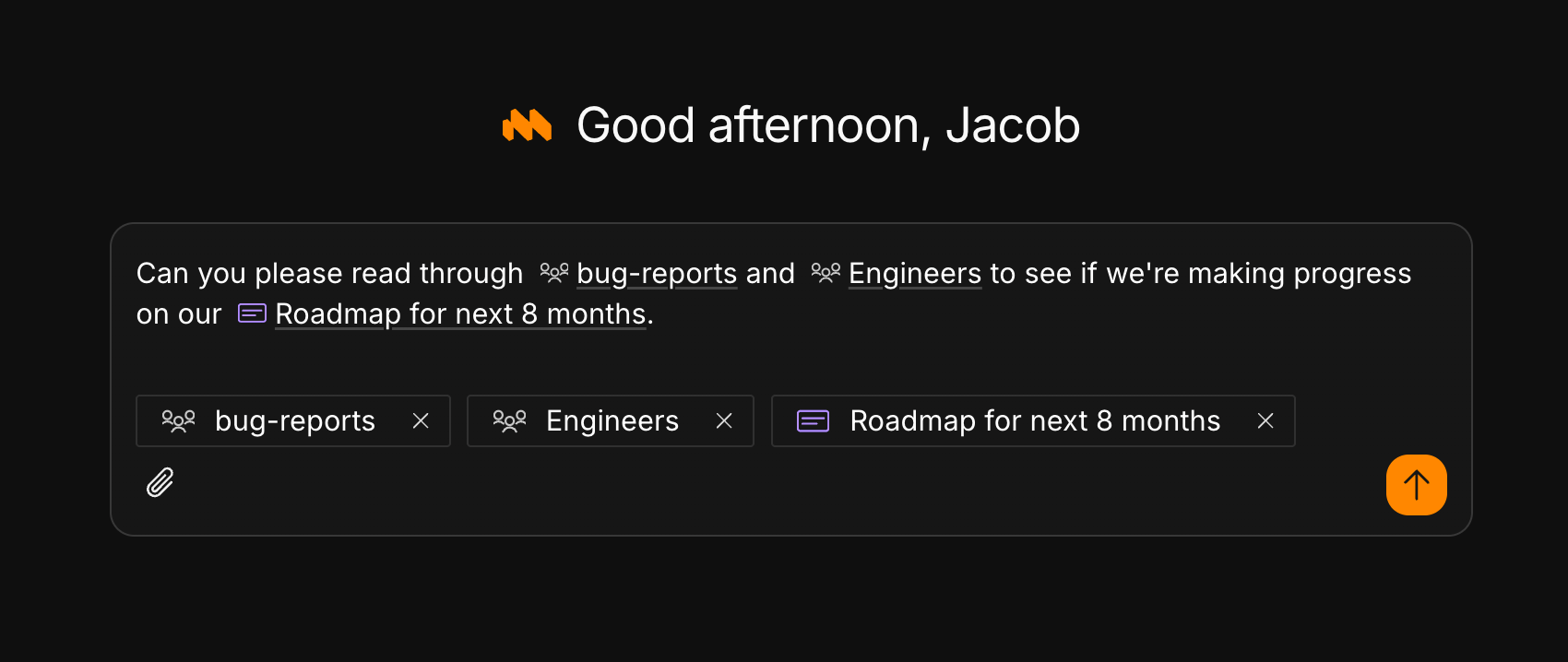
Mentions in Channels
The primary benefit of using Macro instead of Slack is that it is deeply linked to the rest of your workspace. Just mention any entity type and hit enter to insert an@mention. When you hit enter or press the send button, the item is shared with members of the channel. This avoids the footgun that can happen with Slack+Notion, Slack+Drive, etc., where you don’t give the permissions and people need to ask “hey can you share __ with me?”
When people are added or removed from a channel, permissions to shared items flow through accordingly. This is really helpful when somebody joins or leaves your company, so they already have access to everything they need. This is why we recommend using Channels for each team, so that permissions for all entities your team needs are handled automatically.
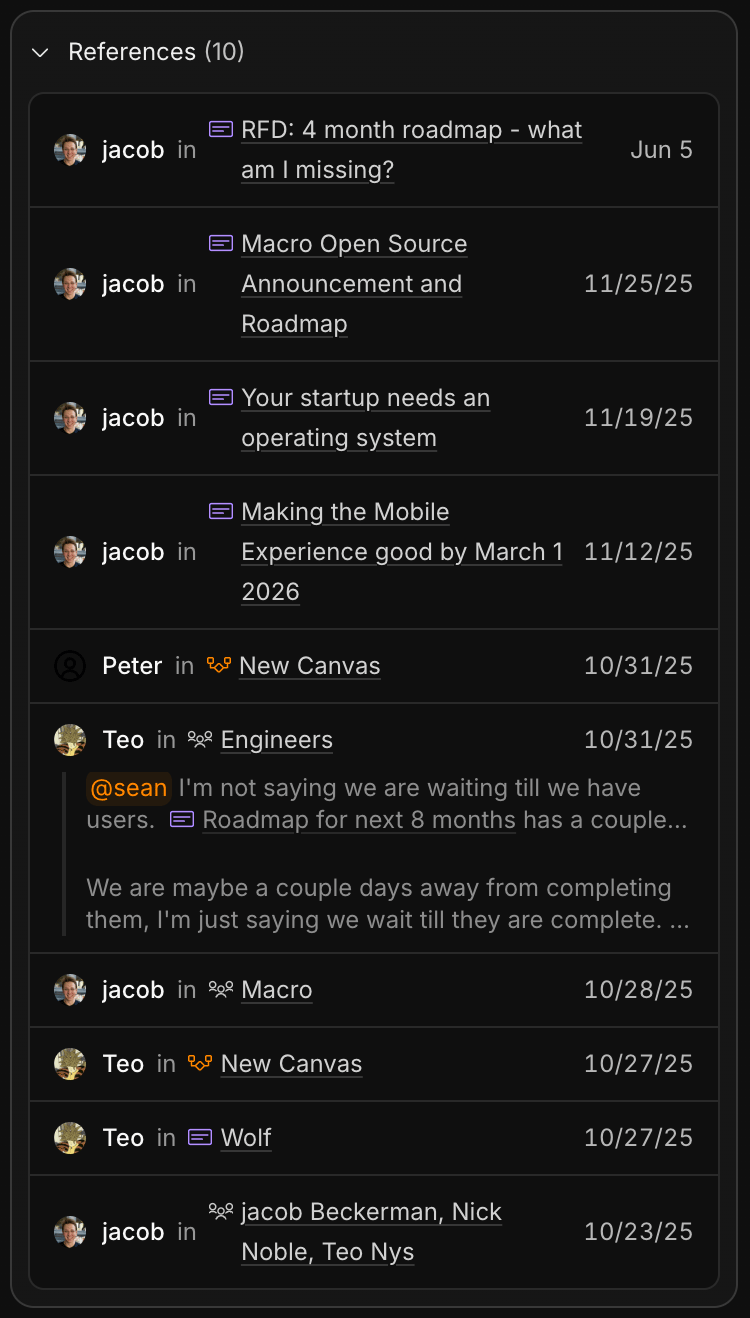
#engineers channel, and I can see it’s been mentioned in my private DMs with Teo and Nick (other members of the team would not see that last one unless they are in that channel).
Mentions in Email
Mentioning people causes them to be added to cc on the email thread.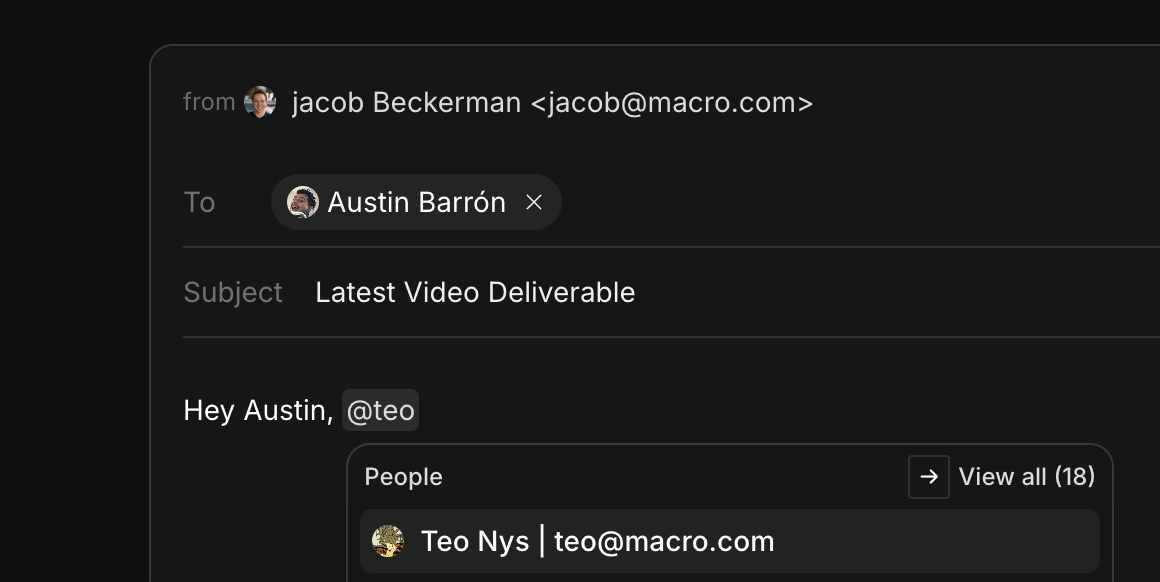
Mentions in Documents
Mentioning documents in documents is one of the fundamental ways your workspace ties together, familiar to users of products like Notion, Coda, and Obsidian.
Mentions in Canvas
Use canvases to embed other entities on a 2D plane. This is useful for mind-mapping, technical diagrams linking to tasks, project management, or just storing/grouping files visually.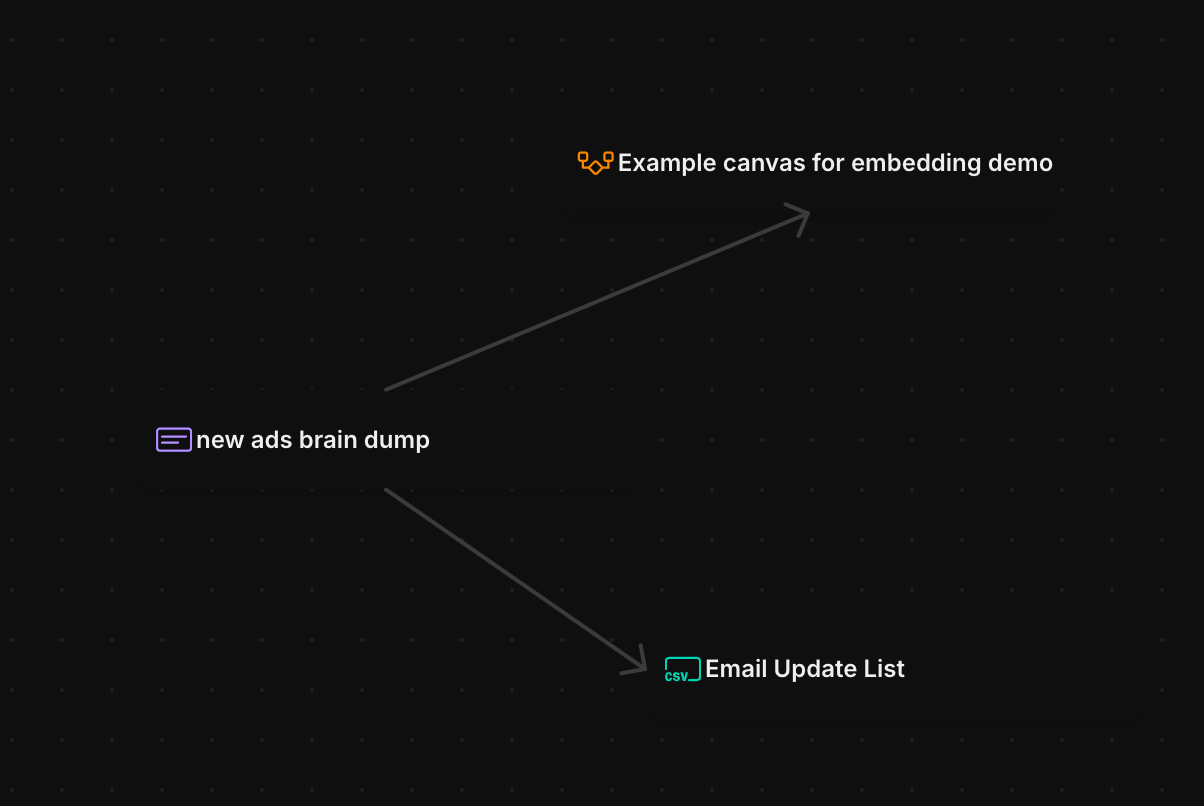
What happens when you mention…
- People: If you mention them by name or email in a comment or channel, even if they are not a Macro user, they will get a notification. On the other hand, if you mention them in the body of a task or markdown doc, they will not get notified. If you want them to be notified, you need to manually share it. We know this is a bit of a weird design decision; the reason we made it after dogfooding for a while is that, any time you want to @mention someone in a doc, you definitionally are not finished writing the doc, so you don’t want them to get a notification yet. It’s unclear when they should receive that notification, so we determined it best that mentions in the context of documents don’t notify or share with mentioned users.
- Documents and Blocks: In the context of a channel, the document gets shared. In a comment or a document, it does not.
- Contacts and Company Records: These are not shared when mentioned. Their sharing is determined by Teams.
- Channels, Threads, or a Specific Message: Mentioning a channel doesn’t grant permissions, and neither does mentioning a message. There is no way to share a message with someone who isn’t in the channel, because the ability to view a message is determined by channel membership. If you need to share a message without adding somebody to a channel, send a screenshot. To add somebody to a channel, don’t mention the channel — go to the channel and add them as a participant.
- Dates: Choosing a date from the date picker inserts a date reference (useful for due dates, scheduling, and filtering). Dates don’t notify or share anything.
@here pings every participant, and @Macro invokes the agent inline.
The agent leans on mentions heavily: anything you @mention into a chat is pulled in as context.