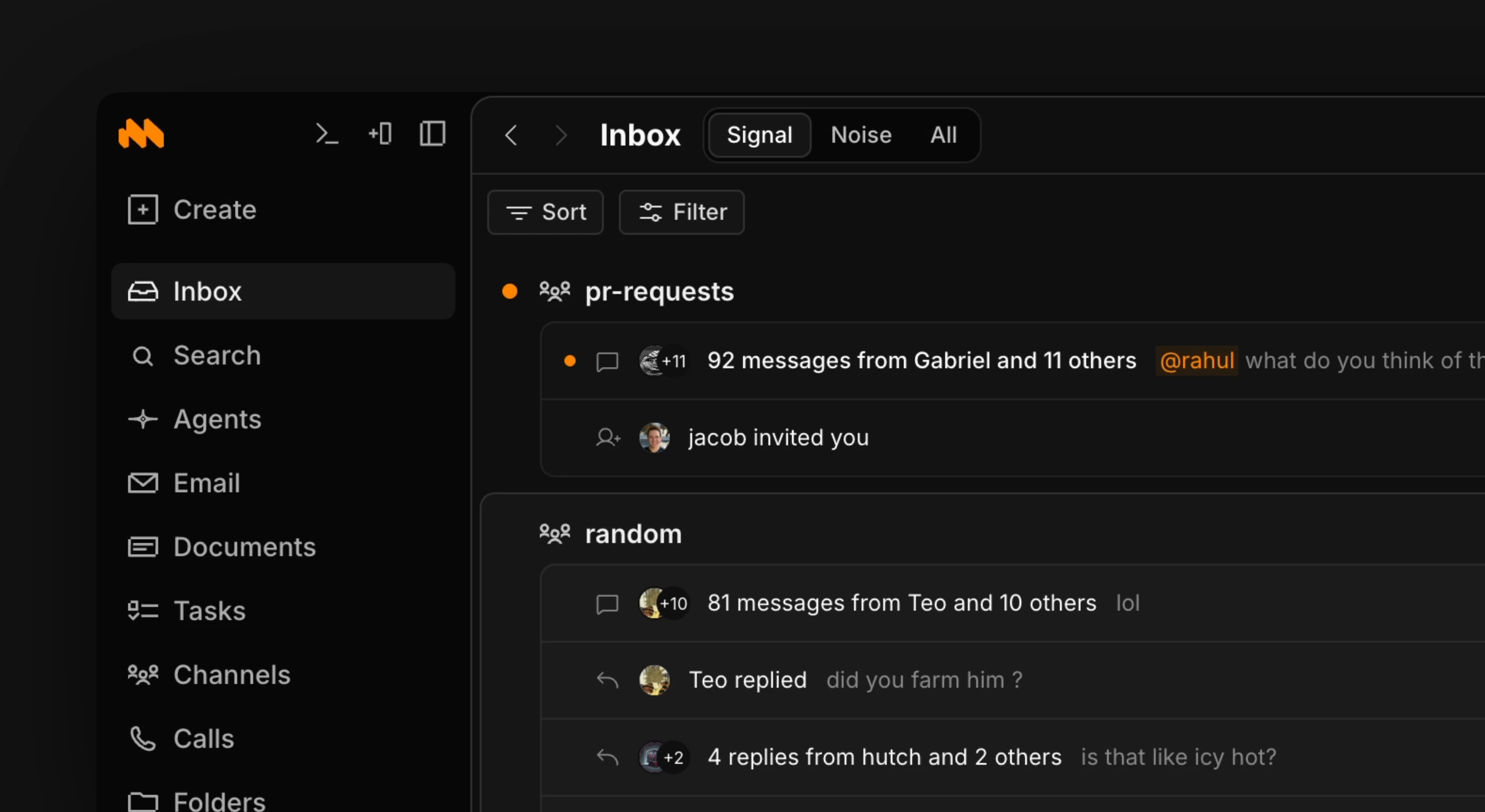
- Emails from all connected accounts
- Messages from channels, threads, and DMs
- Agents that finish running or need an answer
- @mentions in document comments
- Tasks assigned to you
- Files shared with you
- Emails you sent and agent chats you started
To go to Home use shortcut g + h. g + i also works.
Navigating
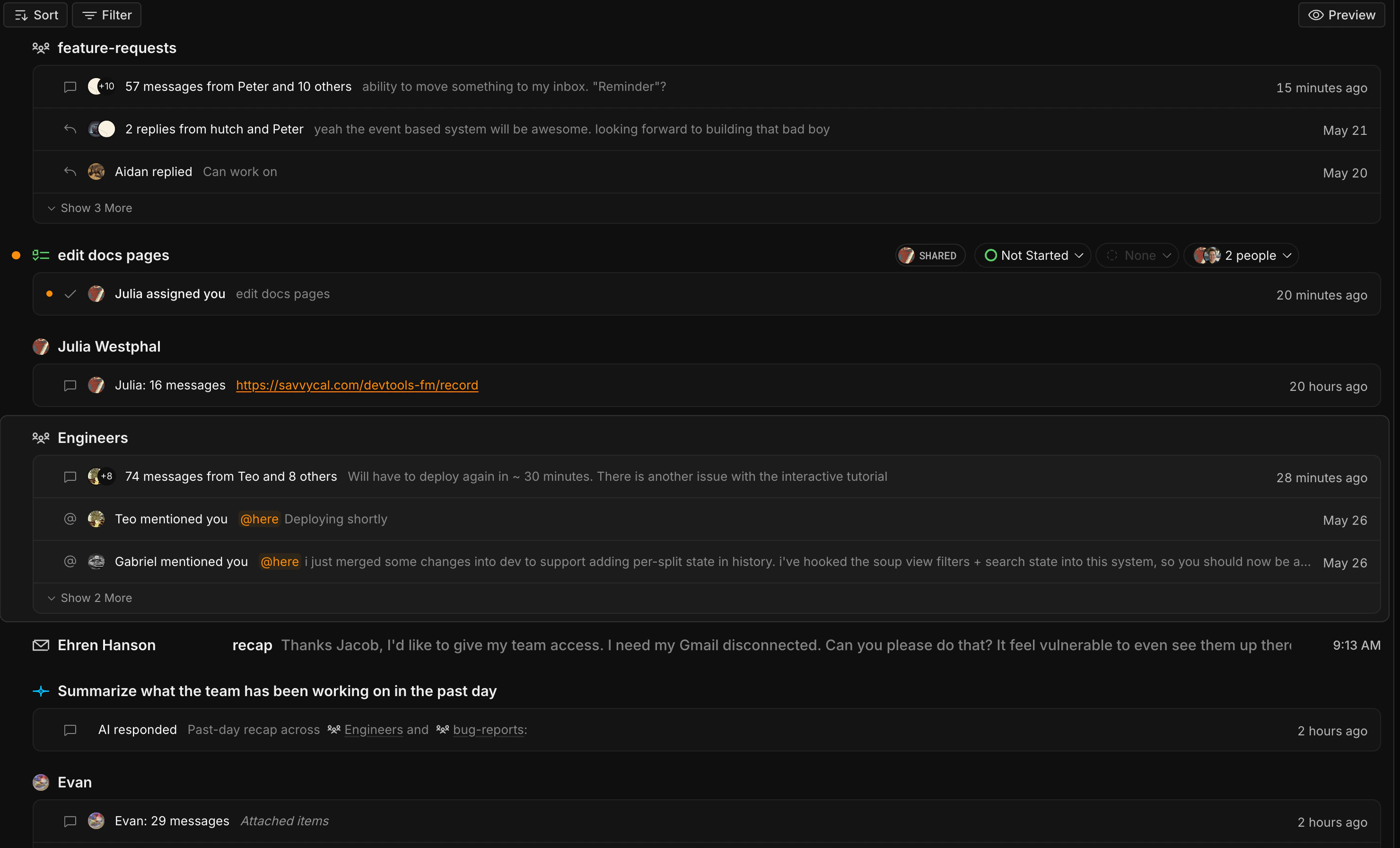
Use j and k or the arrow keys to move between items. The selected item opens in a preview next to the feed. Press enter to open an item. Press shift+enter to open it in a new split. Press e to mark an item done. Press cmd+z to undo. Press shift+↓ to select multiple items. Items are grouped by time: Last few minutes, Last hour, This morning, This afternoon, This evening, Earlier today, Yesterday, then by date.Filtering
Press f or click the filter button next to Home to open Filter Home.- Status: Unread, Read, or All
- Type: Email, Channels, Chats, Agents, and other item types
Agent composer
With no item selected, Home shows an agent composer under What should we get done in Macro?. Press enter to start an agent chat. Type@ to reference an item or / to attach a skill.
New chat clears the preview and shows the composer.
Signal and Noise
Macro sorts items into Signal and Noise. Signal contains important notifications. Noise contains newsletters, promotions, and other low-priority email.