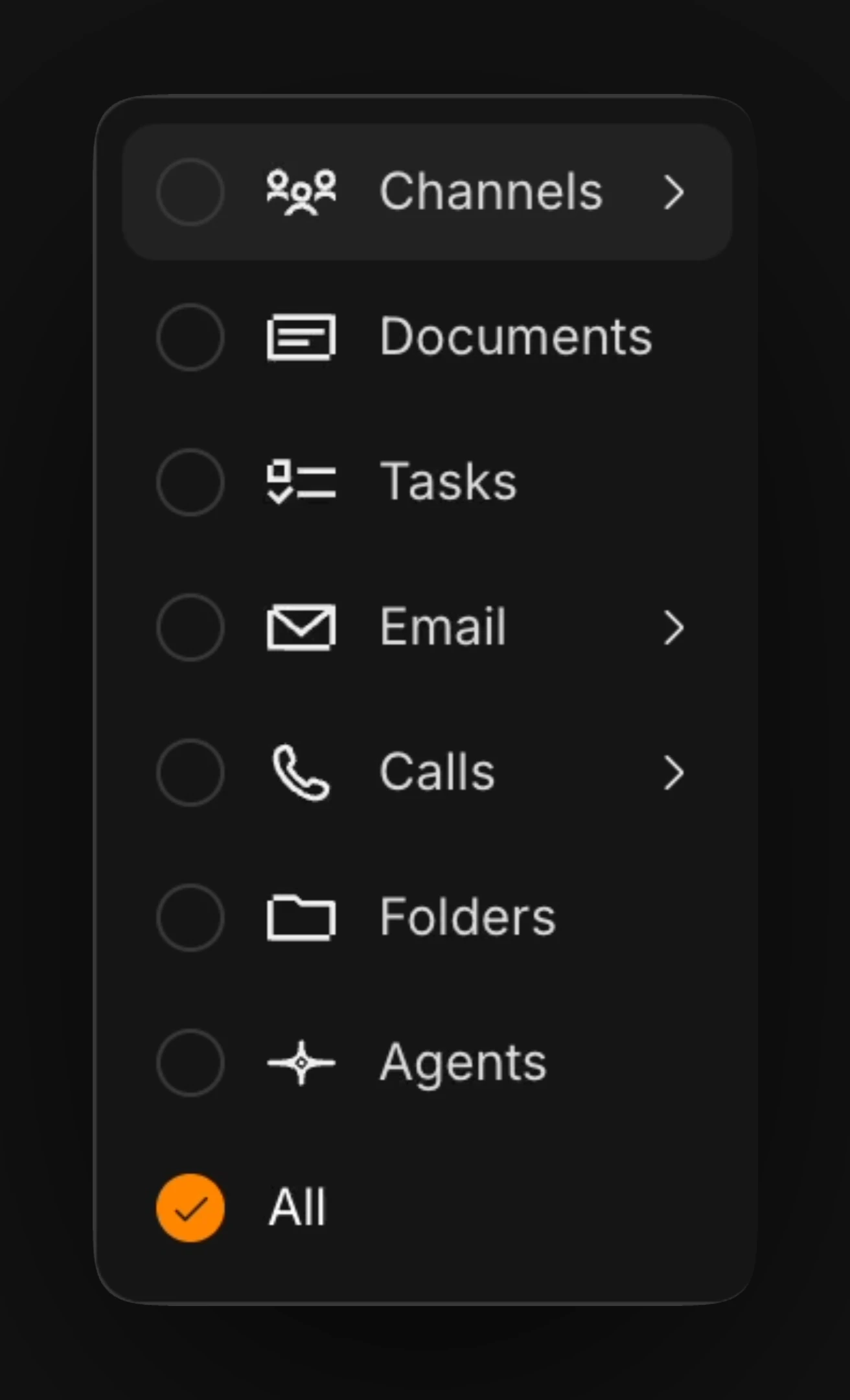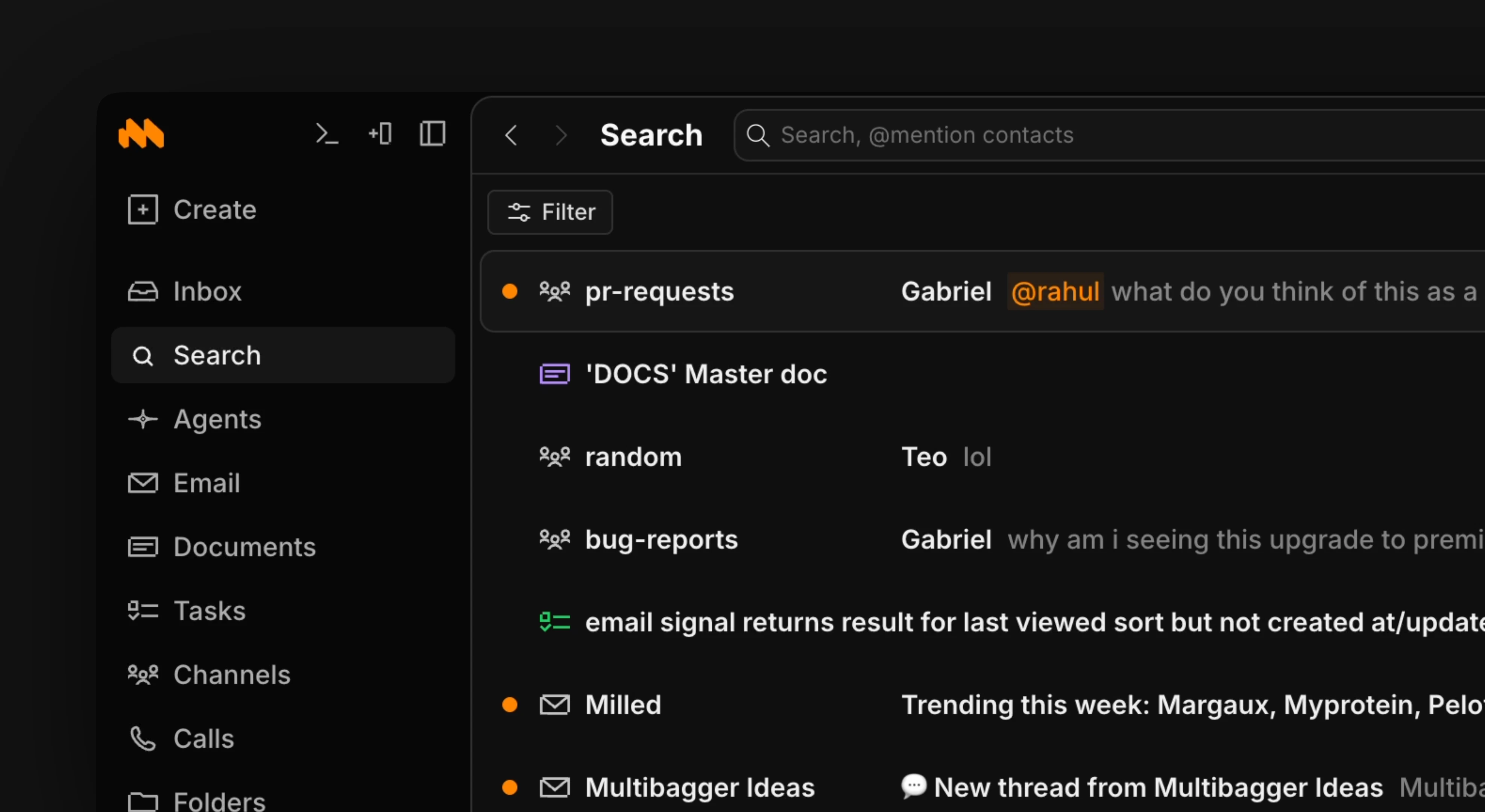
Use the / shortcut to open up search or the cmd k menu to search by name.Use the filter button in the upper right corner to sort results into different types (agent results, messages, etc). To see a result preview in search, use to expand and to close.