> ## Documentation Index
> Fetch the complete documentation index at: https://docs.macro.com/llms.txt
> Use this file to discover all available pages before exploring further.
# Tasks
> Track work with priorities, statuses, and linked context.
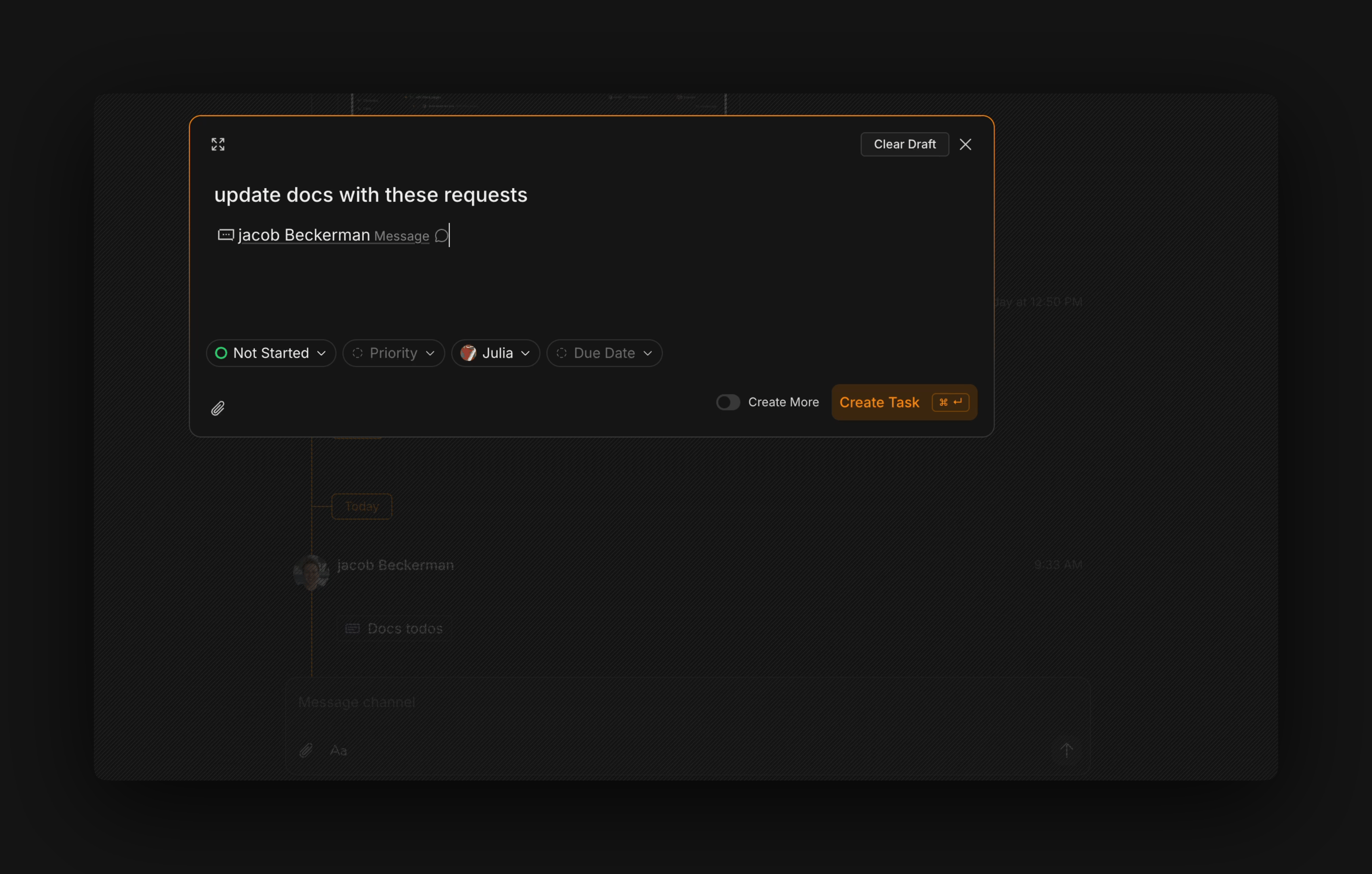
We built tasks to be quick to create and easy to close out.
Because tasks are integrated into the rest of your workspace, there's no need for extra labels and categories. It's just status, priority, assignee.
> To create a new task use shortcut c + t
You can reference a task in your channels, in your documents, or with an agent by @mentioning it. Quickly create a task directly from a channel or an email by hovering and selecting the task button.
You can manually review all of your team's tasks in the task component or ask your agent to give you updates on them.
Macro tasks integrate with GitHub: as you create, review, and merge branches, the task automatically moves to "In Progress," "In Review," or "Done," and the task records which pull request is associated with it. See [GitHub integration](/integrations/github) for setup and details.
 You can manually review all of your team's tasks in the task component or ask your agent to give you updates on them.
Macro tasks integrate with GitHub: as you create, review, and merge branches, the task automatically moves to "In Progress," "In Review," or "Done," and the task records which pull request is associated with it. See [GitHub integration](/integrations/github) for setup and details.
You can manually review all of your team's tasks in the task component or ask your agent to give you updates on them.
Macro tasks integrate with GitHub: as you create, review, and merge branches, the task automatically moves to "In Progress," "In Review," or "Done," and the task records which pull request is associated with it. See [GitHub integration](/integrations/github) for setup and details.