> ## Documentation Index
> Fetch the complete documentation index at: https://docs.macro.com/llms.txt
> Use this file to discover all available pages before exploring further.
# Unified Search
> Macro's unified search makes it possible to find anything in <50ms across email, tasks, docs, calls transcripts, agents, and files.
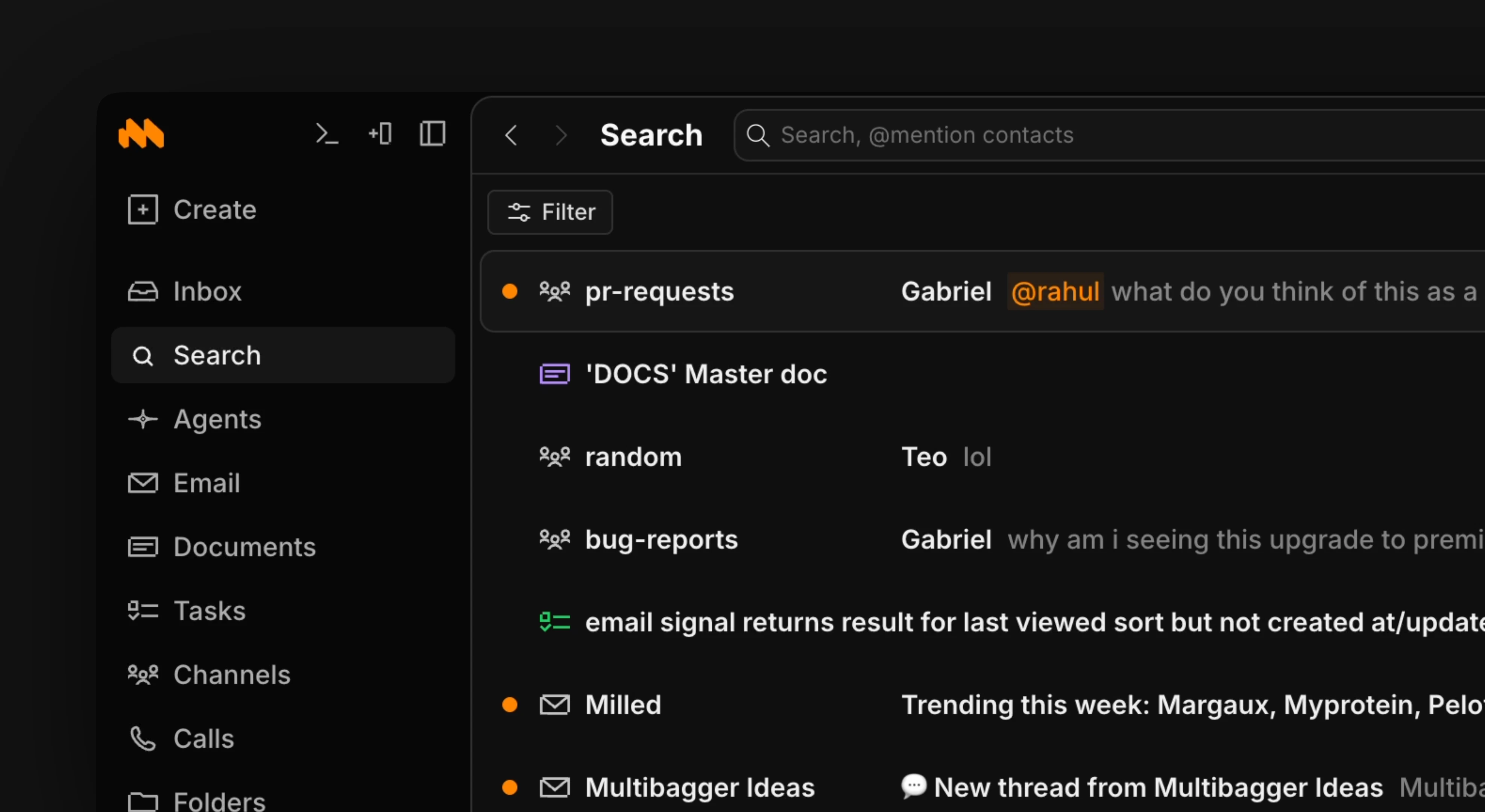 Search is the easiest way to find specific files in Macro. When using search for multiple terms, use quotations for an exact match. Otherwise, the default is to independently match terms in a document.
> Use the / shortcut to open up search or the cmd+k menu to search by name.
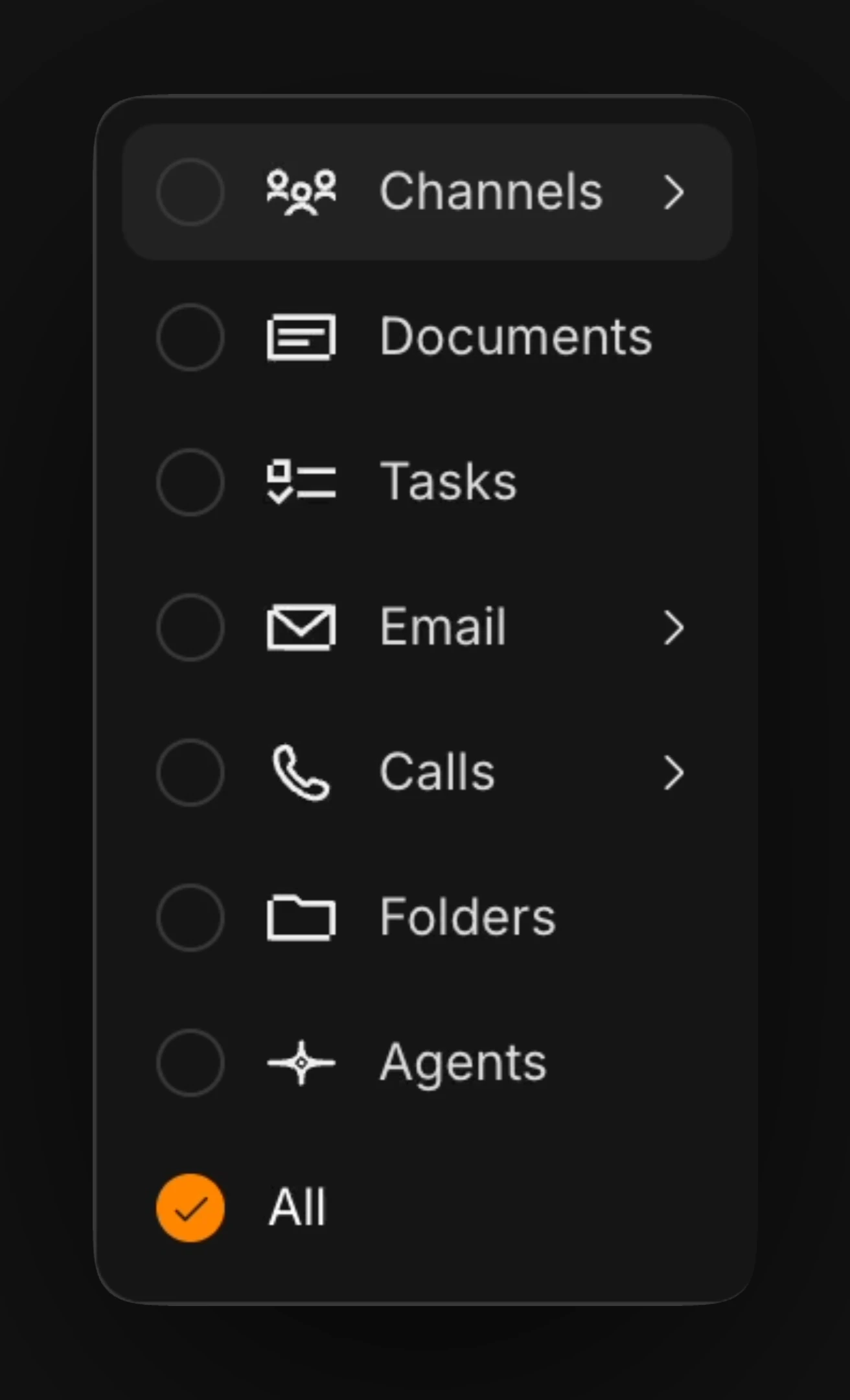
Use the filter button in the upper right corner to sort results into different types (agent results, messages, etc). To see a result preview in search, use l to expand and h to close.
Search is the easiest way to find specific files in Macro. When using search for multiple terms, use quotations for an exact match. Otherwise, the default is to independently match terms in a document.
> Use the / shortcut to open up search or the cmd+k menu to search by name.
Use the filter button in the upper right corner to sort results into different types (agent results, messages, etc). To see a result preview in search, use l to expand and h to close.
 To further narrow search results, combine your keywords with an @mention of a specific person.
Search covers more than titles: document bodies, email threads, channel messages, call transcripts, and file contents are all indexed. You can also ask an [agent](/product/agents) to find things for you; agents use the same index.
## Filtering by tags
Open the filter menu and select the **Tags** chip to narrow results to items carrying specific [tags](/concepts/properties). Once you've selected two or more tags, a match-mode toggle appears on the chip:
* **Any** — return items that have any of the selected tags. This is the default.
* **All** — return items that have every selected tag.
Use **All** to zero in on the intersection of several tags (for example, everything tagged both `urgent` and `finance`), and **Any** to cast a wider net across related tags.
To further narrow search results, combine your keywords with an @mention of a specific person.
Search covers more than titles: document bodies, email threads, channel messages, call transcripts, and file contents are all indexed. You can also ask an [agent](/product/agents) to find things for you; agents use the same index.
## Filtering by tags
Open the filter menu and select the **Tags** chip to narrow results to items carrying specific [tags](/concepts/properties). Once you've selected two or more tags, a match-mode toggle appears on the chip:
* **Any** — return items that have any of the selected tags. This is the default.
* **All** — return items that have every selected tag.
Use **All** to zero in on the intersection of several tags (for example, everything tagged both `urgent` and `finance`), and **Any** to cast a wider net across related tags.