> ## Documentation Index
> Fetch the complete documentation index at: https://docs.macro.com/llms.txt
> Use this file to discover all available pages before exploring further.
# Calls
Video calls with transcriptions that live inside Macro.
Calls are one of the core ways Macro's memory keeps up with your workspace.
To start a call, use the button at the top of the calls tab, or open the channel with the intended participants and press the call button. Participants hear a ring when a call starts.
> ### Important Call Sharing Information
>
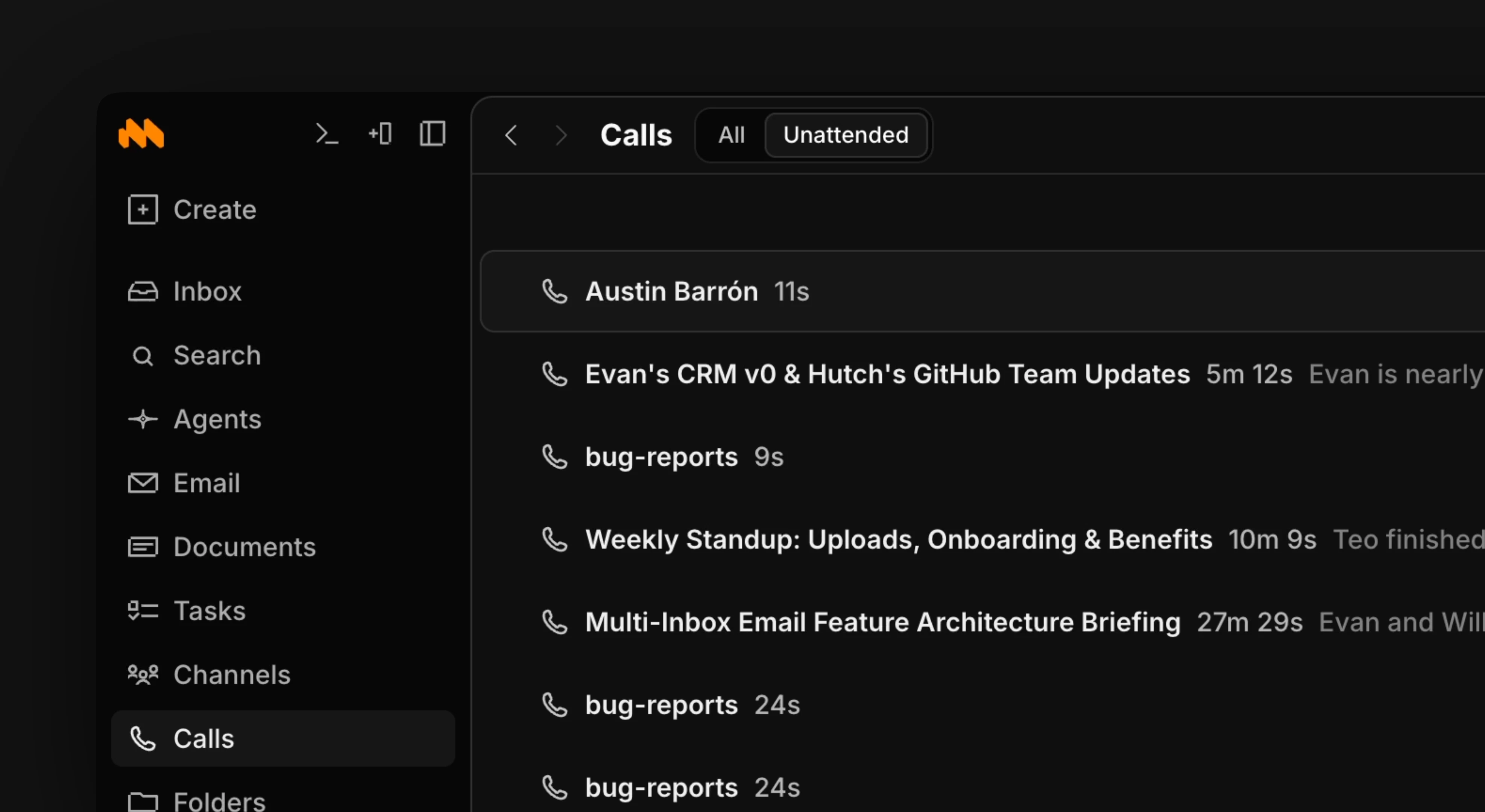
> Every call a member of your team has is added to the calls tab, whether or not you attended it. The default is to share each call to team memory, but you can opt out per call. When you opt out, the call is added to your personal memory but not the team's.
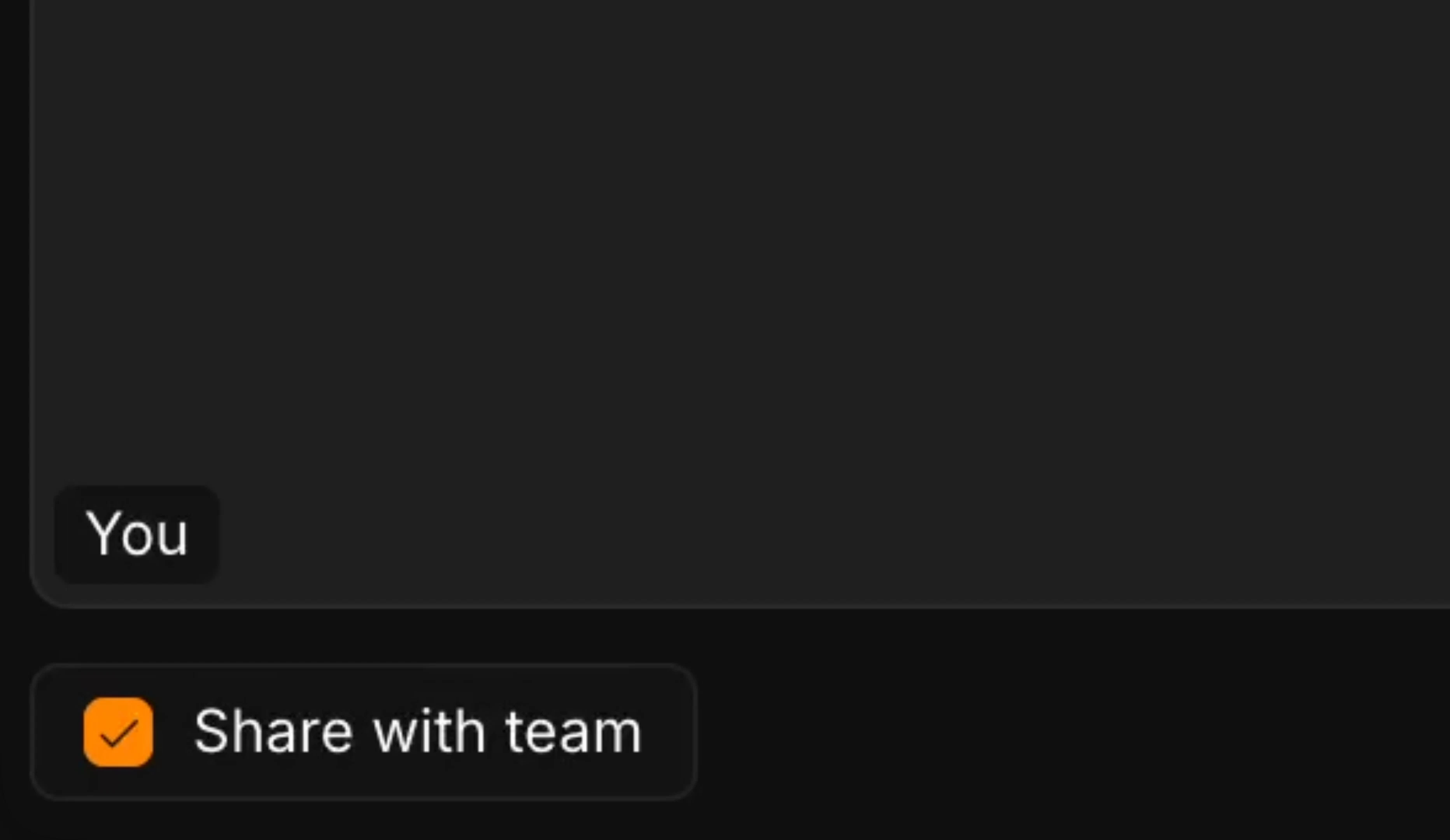
To opt out of a call being shared with the team, uncheck the button in the bottom left of an active call.
After a call ends, it's auto-transcribed and an AI summary is generated. The recording and a readable transcript are always available at the bottom of the call.
From the calls tab, you can ask AI to help you work through your calls: searching transcripts, summarizing, and more.
 > ### Important Call Sharing Information
>
> Every call a member of your team has is added to the calls tab, whether or not you attended it. The default is to share each call to team memory, but you can opt out per call. When you opt out, the call is added to your personal memory but not the team's.
To opt out of a call being shared with the team, uncheck the button in the bottom left of an active call.
> ### Important Call Sharing Information
>
> Every call a member of your team has is added to the calls tab, whether or not you attended it. The default is to share each call to team memory, but you can opt out per call. When you opt out, the call is added to your personal memory but not the team's.
To opt out of a call being shared with the team, uncheck the button in the bottom left of an active call.
 After a call ends, it's auto-transcribed and an AI summary is generated. The recording and a readable transcript are always available at the bottom of the call.
From the calls tab, you can ask AI to help you work through your calls: searching transcripts, summarizing, and more.
After a call ends, it's auto-transcribed and an AI summary is generated. The recording and a readable transcript are always available at the bottom of the call.
From the calls tab, you can ask AI to help you work through your calls: searching transcripts, summarizing, and more.