> ## Documentation Index
> Fetch the complete documentation index at: https://docs.macro.com/llms.txt
> Use this file to discover all available pages before exploring further.
# Agents
> Use agents to summarize your workspace, check up on people's progress and create tasks, emails, or documents.
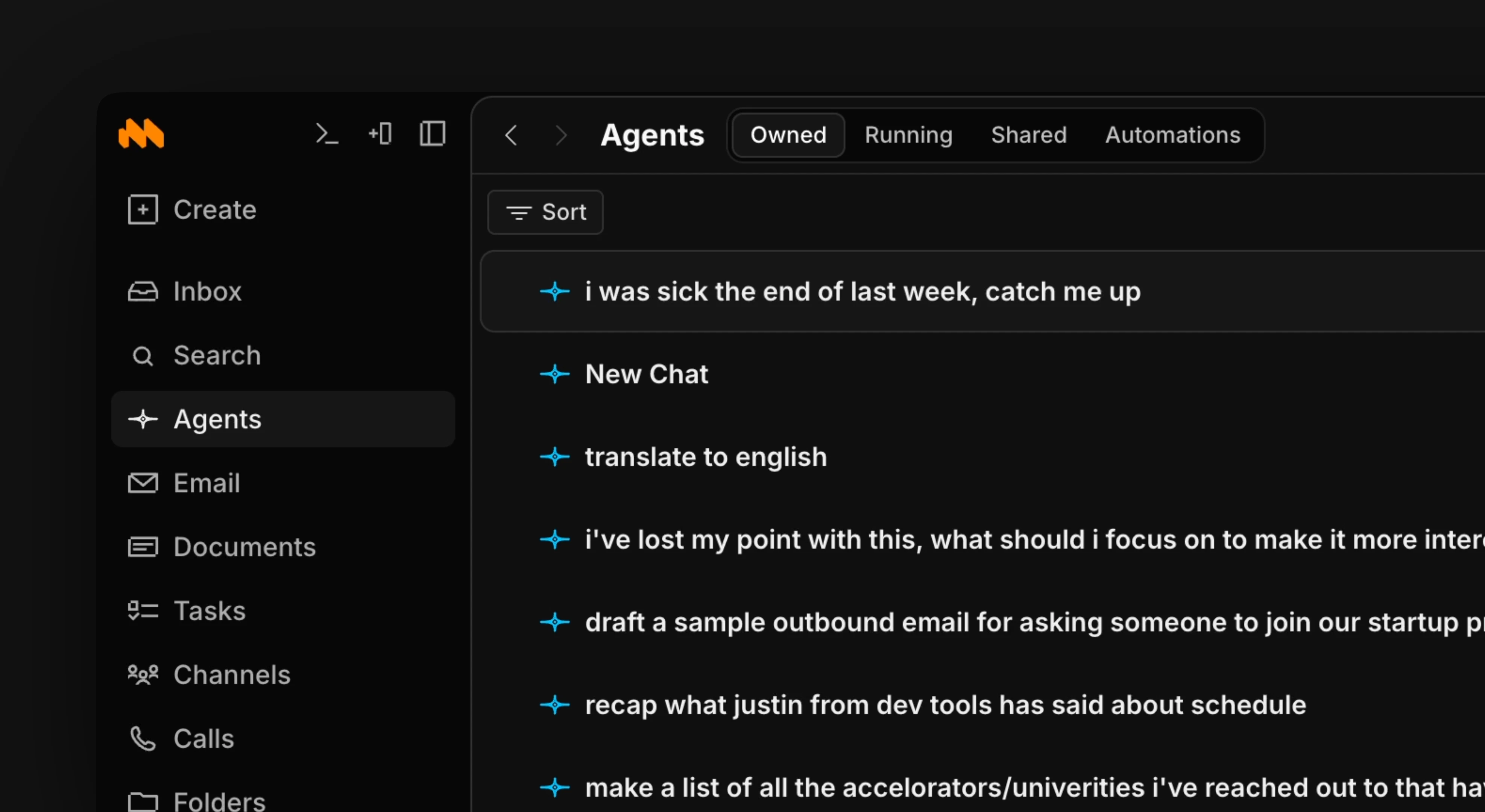 > To create a new chat use shortcut c + a
Agents have access to everything in your workspace, so they always have full context. The agents tab shows every chat you've had with your agent, and you can continue any of them where you left off.
> Use l and h to preview different chat results and j and k to move up and down through them.
Ask for summaries, clarifications, and more. The agent answers using all the information in your workspace.
> To create a new chat use shortcut c + a
Agents have access to everything in your workspace, so they always have full context. The agents tab shows every chat you've had with your agent, and you can continue any of them where you left off.
> Use l and h to preview different chat results and j and k to move up and down through them.
Ask for summaries, clarifications, and more. The agent answers using all the information in your workspace.
 ### Automations
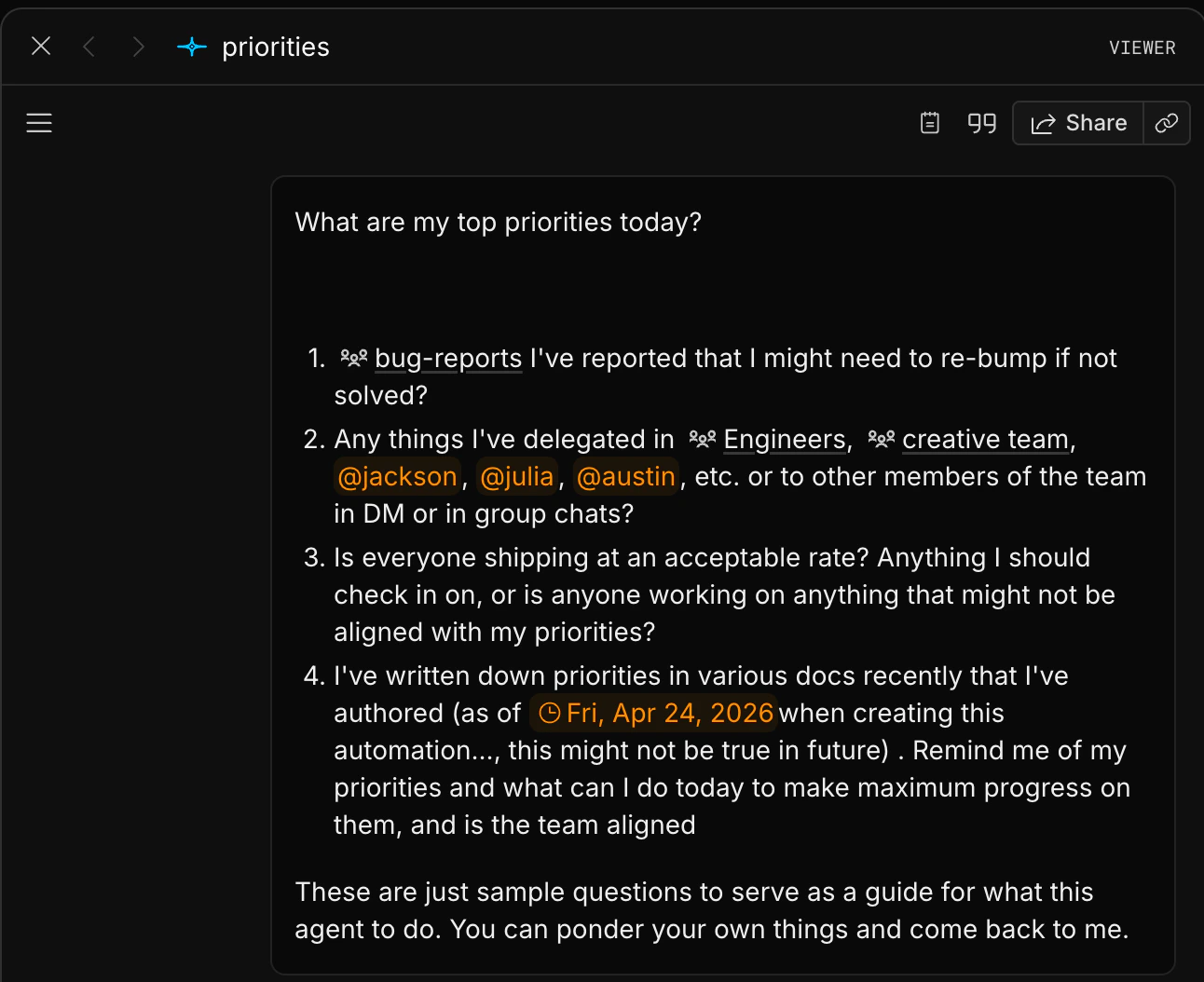
Agents can also run automations: scheduled jobs like daily reminders or weekly summaries. Responses from automations appear in the agents tab and in your inbox.
> Use shortcut g + a to go to agents
To create an automation, go to the agents module and toggle to the automations tab. Select **Create an automation** and fill out the form. You can @mention channels, docs, people, and more inside it.
Each time the automation runs, the result appears in your inbox. For example, a daily to-do summary will land in your inbox at the time you scheduled it each day.
### Automations
Agents can also run automations: scheduled jobs like daily reminders or weekly summaries. Responses from automations appear in the agents tab and in your inbox.
> Use shortcut g + a to go to agents
To create an automation, go to the agents module and toggle to the automations tab. Select **Create an automation** and fill out the form. You can @mention channels, docs, people, and more inside it.
Each time the automation runs, the result appears in your inbox. For example, a daily to-do summary will land in your inbox at the time you scheduled it each day.