> ## Documentation Index
> Fetch the complete documentation index at: https://docs.macro.com/llms.txt
> Use this file to discover all available pages before exploring further.
# Welcome to Macro
> Extremely fast, unified interface for all your work, all linked together in one database.
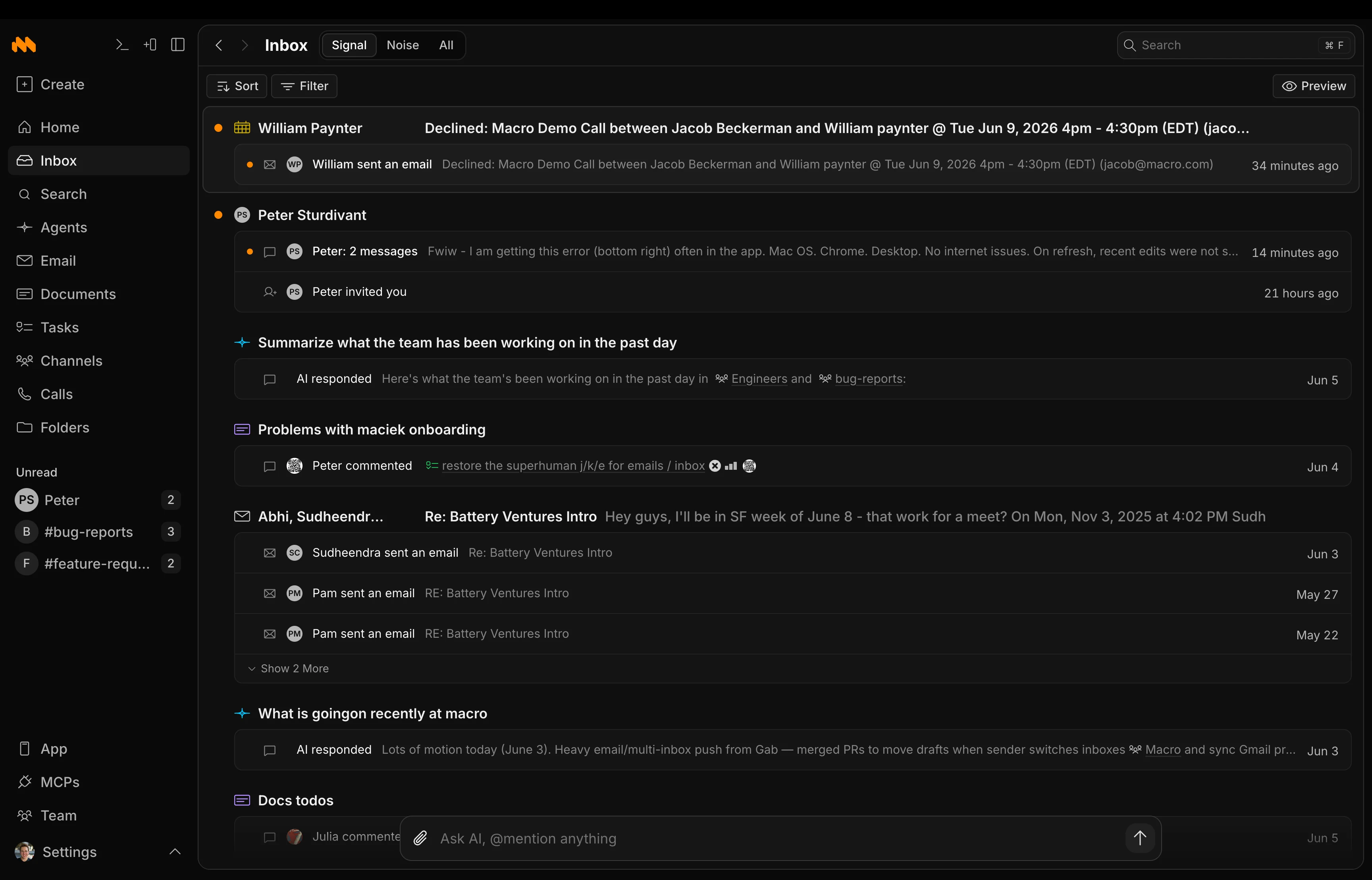
Macro unifies your email, messaging, tasks, docs, and files into a single system, all linked together in one database. We built it with a Solid frontend and a Rust backend, so it's fast.
New to Macro? Go from a fresh account to a working setup in about 15 minutes.
## Core Blocks
For each block, we've studied the best prior art and tried to make it even better. For example, Email is faster than Superhuman with a unified inbox. Messaging is designed to be more focused, and less noisy, than Slack. Docs are simpler than Notion. Tasks steal from Linear but are less ceremonious (cycles, points, etc. are there if you *really want* but we advise not).
**All of this works together as a single integrated system: one interface, one bidirectional database with shared memory for your agents.**
The following are the core first-party blocks available in Macro today. Each card links to that block's documentation page, with videos where applicable.
Multi-account unified inbox, keyboard shortcuts, and shared inboxes. Gmail.
Channels and direct messages designed for technical discussions.
Linear-inspired tasks tightly integrated with channels, email and agents.
Real-time collaborative, markdown-native docs using CRDTs, @mentions.
2D board with embedded @links to tasks, files, and emails.
Unified memory, team-level memory. Can take action on your behalf.
Recorded, transcribed and logged to team-level memory for agents.
Store and share files, auto-imported from email and channels, fully searchable.
Linked to tasks, embeddable in channels, available to agents.
Customer & Contact objects, custom properties, email sync, enrichment.
## Key Features
### Bidirectional @linking
When you @mention a document in a channel message, both the message and the document know about each other, so you can always trace where something has been discussed. This works across every block type: docs, tasks, emails, files, calls, etc.
### Intelligent permissions
Permissions inherit from channels. @mention something in a channel and every member automatically gets access, so nobody has to ask "hey can you share this with me?"
### Built for speed
Macro has a Rust backend and a Solid frontend. Search is instant, collaboration is real-time, and everything has a keyboard shortcut.
## Demos & Case Studies
* [Demo](https://www.youtube.com/watch?v=Fn5hdzXsQQ8\&t=1s) - Founder and CEO, Jacob Beckerman, walks you through Macro's core features
* [Live Onboarding](https://cal.com/team/macro/macro-demo-call?metadata%5Bfbp%5D=fb.1.1776871324003.617255820779493826\&month=2026-06) - Book a time for a member of our team to guide you through onboarding and any questions
* [How Desync Uses Macro](https://www.youtube.com/watch?v=fZFIW2toHwk) - Watch Desync explain how their engineer-heavy company runs on Macro
 The following are the core first-party blocks available in Macro today. Each card links to that block's documentation page, with videos where applicable.